Extract Details
Transfer only the dark detail, screws, seams, panel lines, from one image onto your paint, keeping its color.
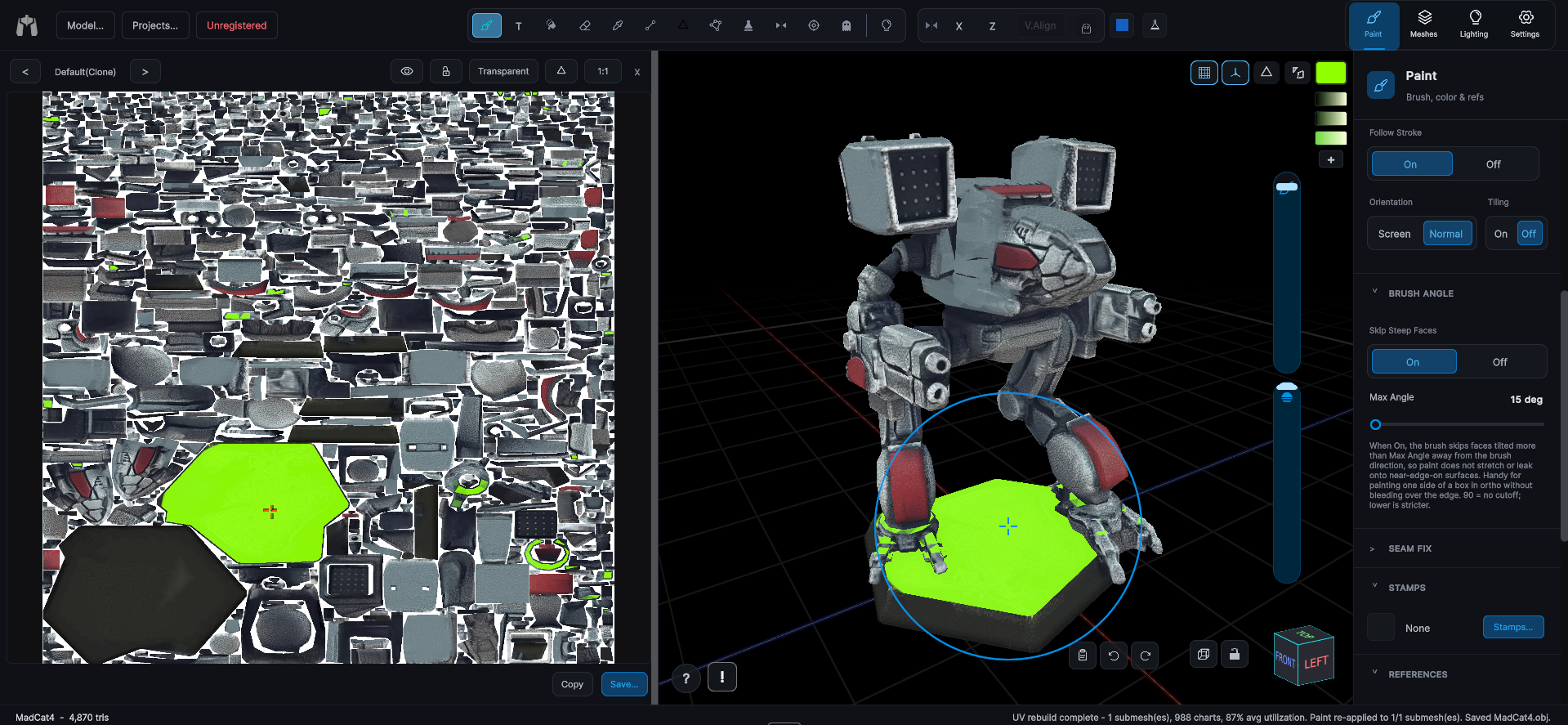
From a reference window's menu, Extract Details projects only the image's darkness below a threshold as an exact grayscale multiply of the paint underneath. The surface keeps its own hue and picks up the screws, seams, and panel lines from the source. Pulling just the detail out of a photo and projecting it onto a 3D surface is not something I have found anywhere else. Of course, that is only worth anything if it saves you from hand-painting every panel line.
A Detail slider in the footer sets the darkness threshold, and the reference window previews the extraction live. Honored by both the overlay brush and Region Fill overlay stamps.