MechaPaint / Every Feature
EVERY FEATUREThe whole toolbox, in one list
Wondering if MechaPaint does the one thing you need? Here is everything it does, grouped by job. Skim the section that matches your problem and find the tool for it.
Putting paint on the surface
The core hands-on tools for laying color, strokes, and imagery directly onto the 3D model.
Brush
The core freehand brush, pressure-sensitive, with smooth tapered strokes, response curves, smoothing, and data-driven presets.
Eraser
Erase paint on the active layer with the same smooth stroke engine as the brush, and a live footprint preview.
Line Tool
Draw straight lines that wrap the surface, with full pressure and gradient support.
Eyedropper
Pick any color off the model, even mid-stroke, with a right-tap, and a before-and-after color preview.
Image Stamps
Paint with image tips, rotation, follow-stroke, and jitter. Photoshop .abr brush sets import directly, and any PNG or JPEG can become a brush.
Text on the Surface
Lay down text on the model using any font installed on your machine.
Covering ground fast
Fill whole pieces, screen regions, or connected geometry in a click instead of a thousand strokes.
Paint Bucket
One click fills a whole connected piece, solid color or a triplanar pattern.
Poly Fill
Flood-fill triangles directly under the brush sphere.
Region Fill
Lasso a screen area, marquee, polygon, circle, or rectangle, and fill the faces inside it.
Live Regions
Save a Region Fill to a library and re-open it later with its camera restored.
Select Connected
Click a piece to select every polygon joined through a shared edge, then paint only there.
Two-Color Gradients
Paint a start-to-end gradient with the bucket, line, and brush, linear or radial.
Paint once, get it twice
Mirror work across the model, copy detail from place to place, and keep strokes from bleeding through.
Symmetry
Paint one side, watch both update, true mirrored reflection across X or Z.
Mirror Brush
Brush the mirrored albedo from the other side of the symmetry plane, only where you want it.
Whole-Layer Symmetrize
Mirror an entire layer in one move to fix asymmetric damage.
Clone Stamp
Sample detail anywhere on the mesh and paint it anywhere else, in 3D.
Ghost Tool
Hide faces you don't want to paint through, so strokes never bleed onto the far side.
Working from an image
Bring outside artwork in as reference, project it onto the mesh, or lift just the detail you want.
Reference Images
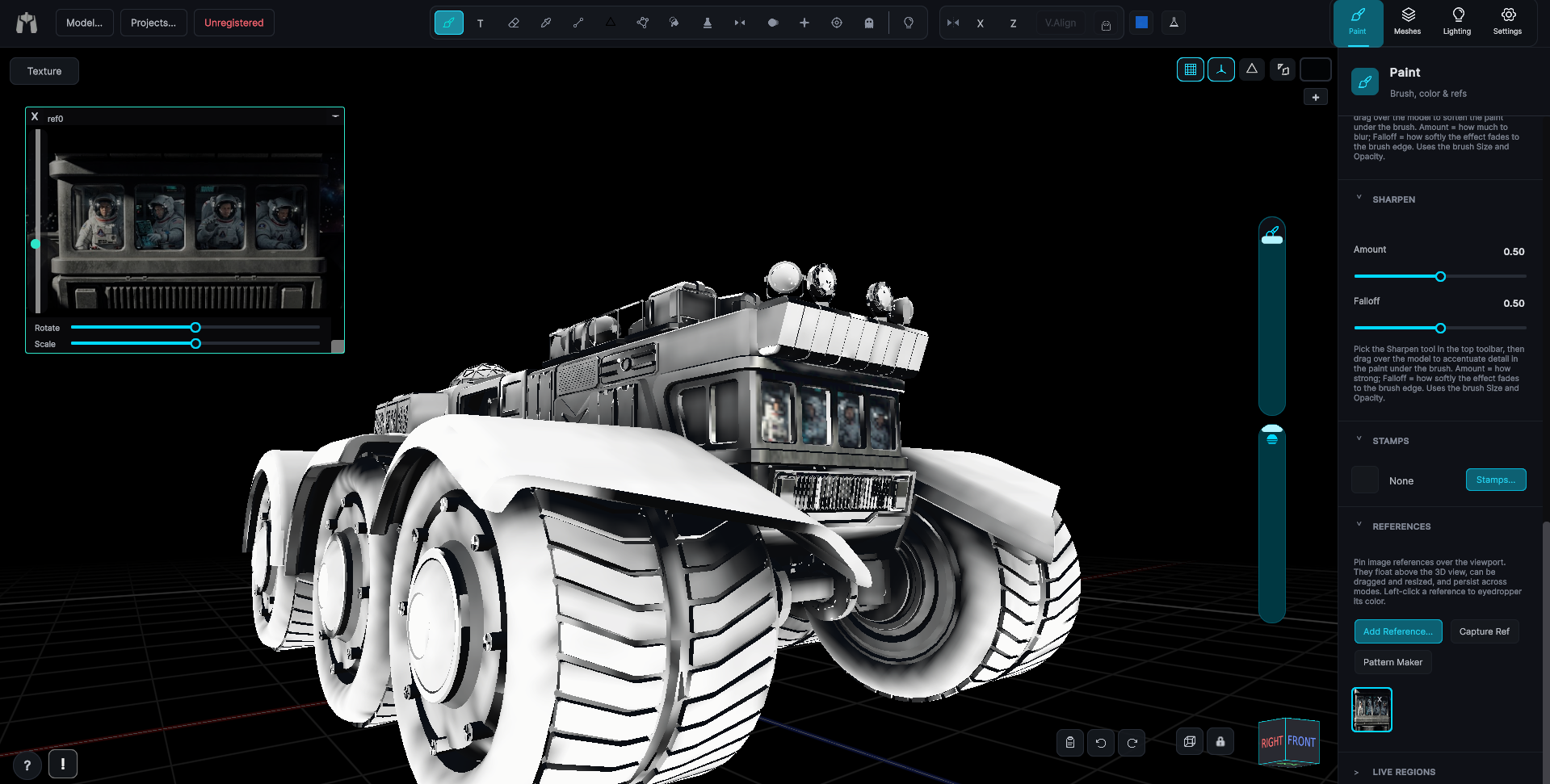
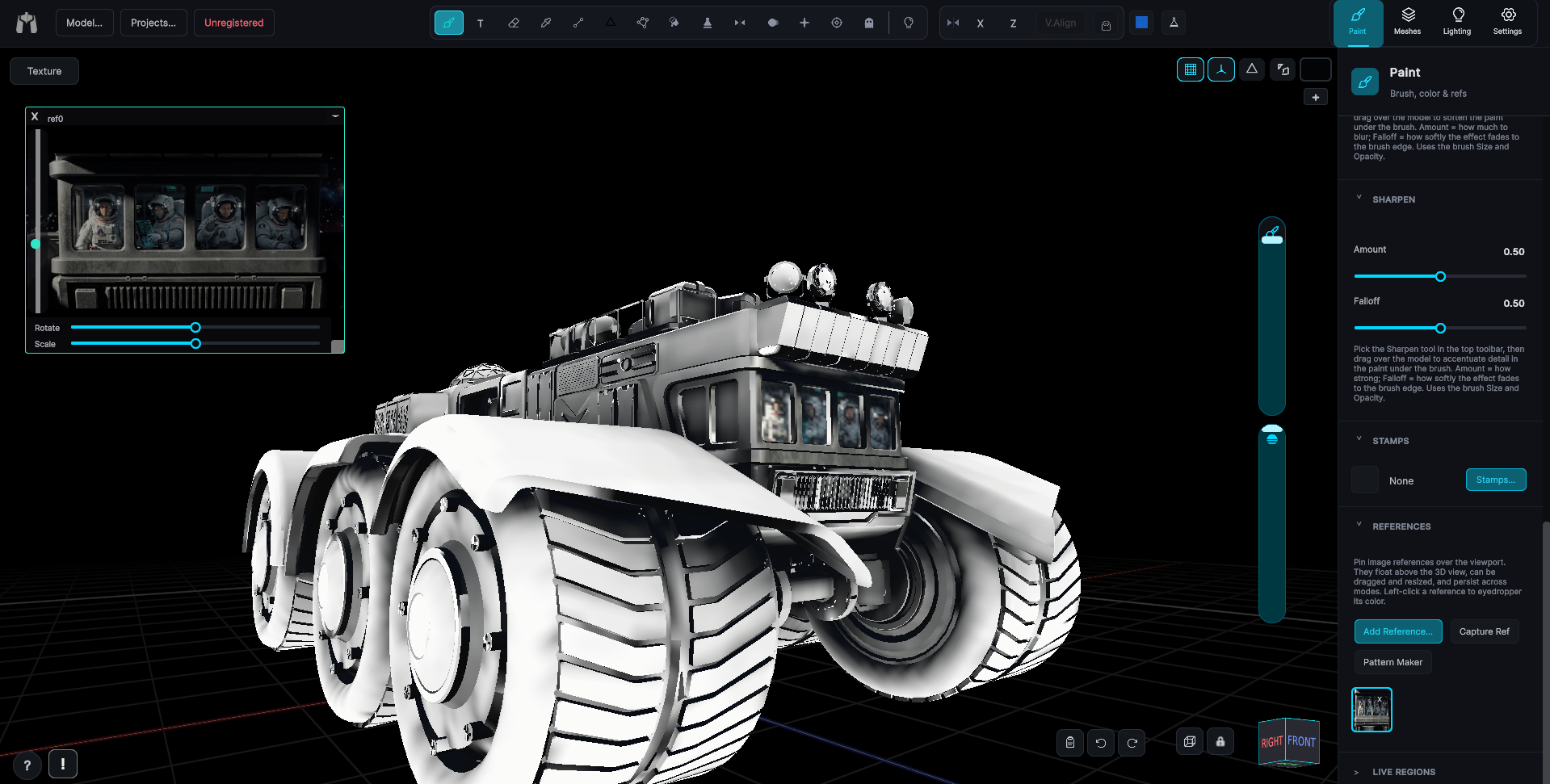
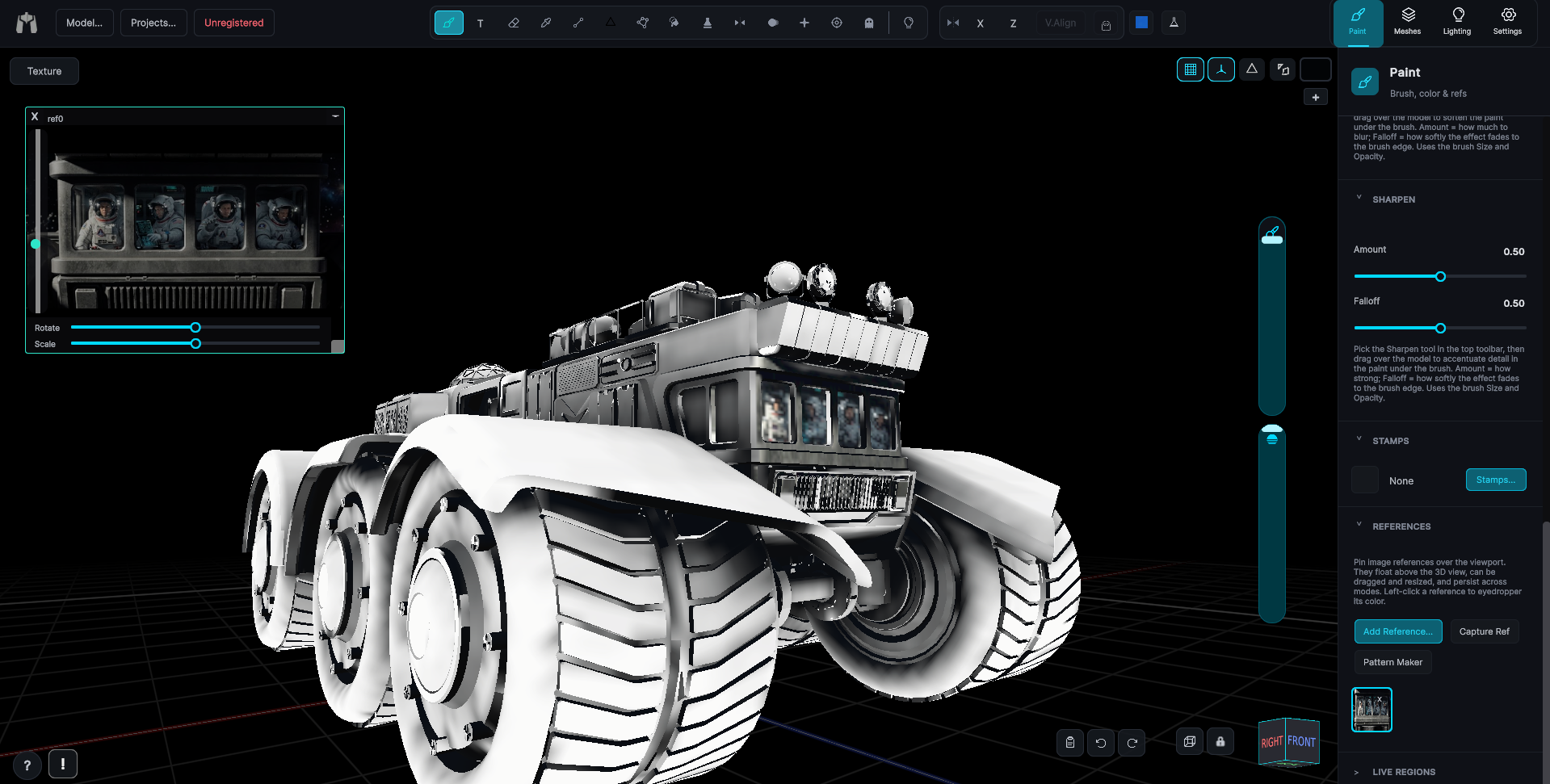
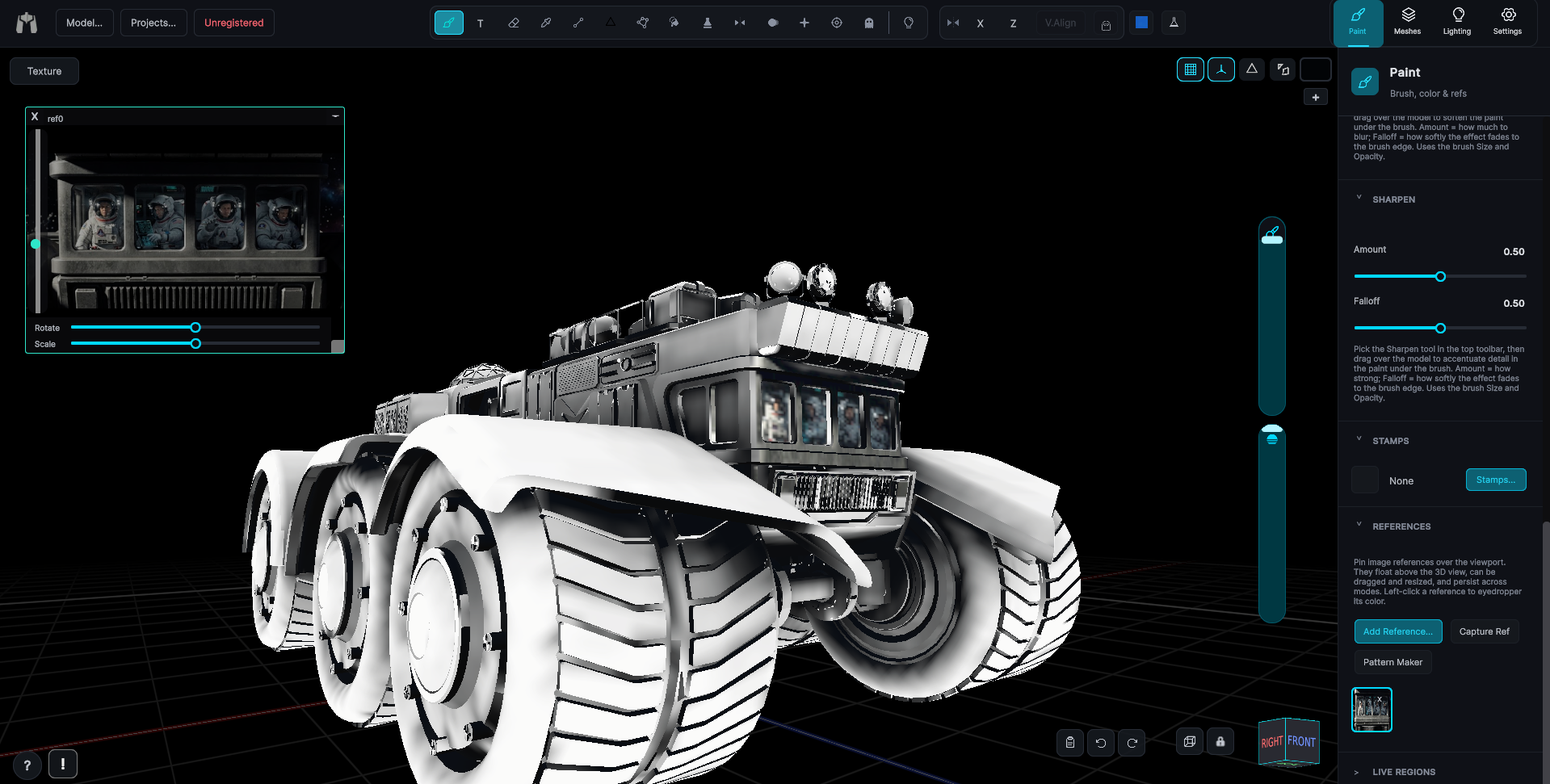
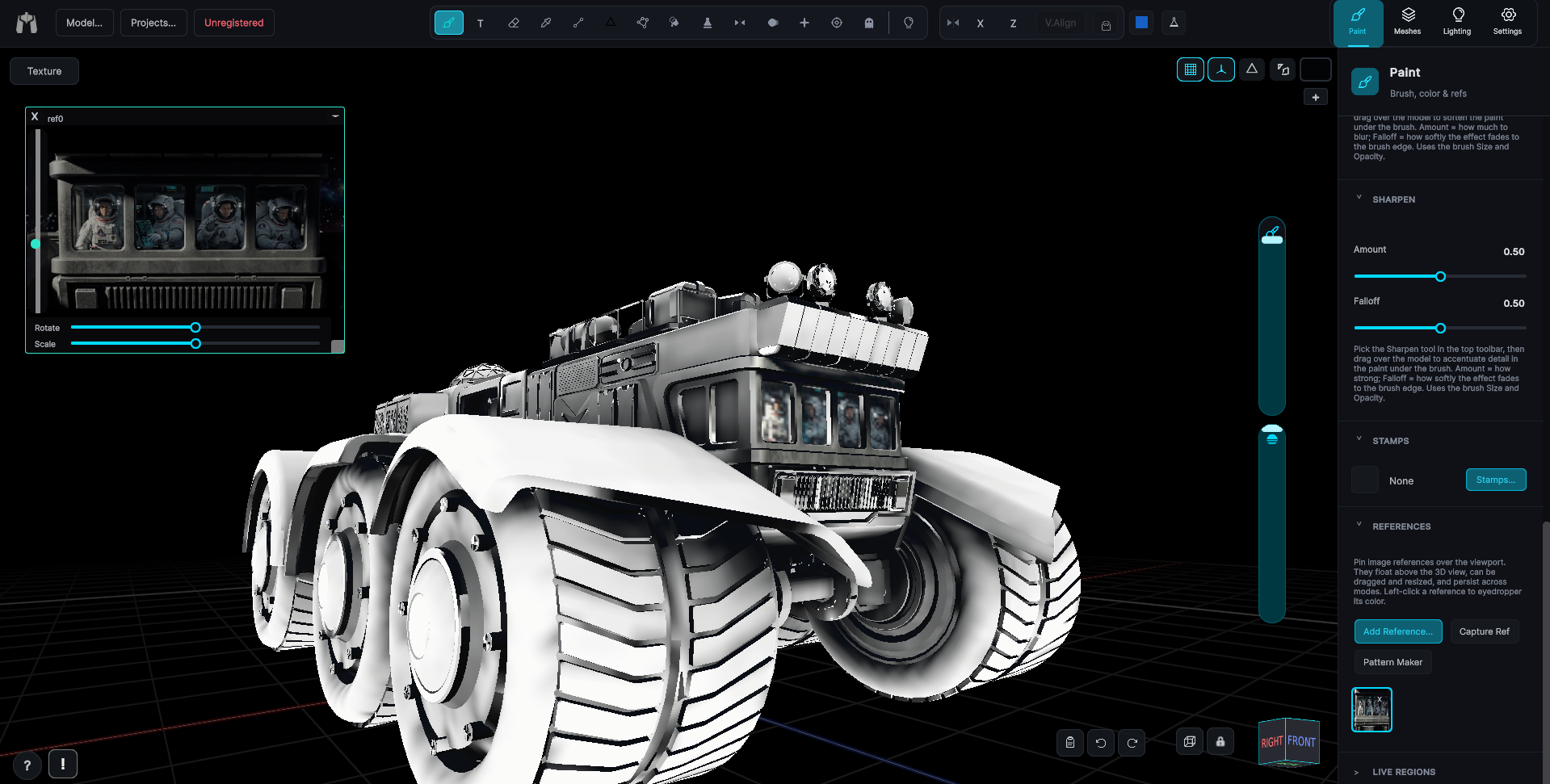
Drop any image in as a floating reference window, by paste, drag, or import.
Projection Painting
Project a reference image straight onto the mesh from the current view.
Extract Details
Transfer only the dark detail, screws, seams, panel lines, from one image onto your paint, keeping its color.
Non-destructive, like Photoshop
A full layer stack per submesh, deep undo history, and a color picker with saveable favorites.
Layers
A full non-destructive layer stack per submesh: hide, fill, merge, recolor, and import into any layer.
Undo & Redo
A Photoshop-style history with a hard floor, it can never erase your imported base texture.
Color, Swatches & Favorites
A viewport color picker with saveable favorites, solid colors and whole gradients.
When the map is the problem
Fix seams, rebuild broken unwraps, combine loose sub-meshes, and watch it all on the flat map.
Seam Fix
Strokes that cross UV island edges are dilated past the seam, no hairline gaps.
Rebuild UVs
Generate a fresh, clean UV unwrap in one step, and keep your paint.
Combine + Unwrap
Merge dozens of tiny sub-meshes with no UVs into one atlas, then paint it as one object.
UV / Texture Panel
Watch strokes land on the flat map in real time, and toggle UV / wireframe overlays.
Mesh Diagnostics
For when something is wrong and nothing will tell you what, a panel that finds it.
Depth, shadow, and repeating surface
Bake light and wear into the texture, and build tiling materials that wrap the model in world space.
Ambient Occlusion Bake
Contact shadows in every crease, seam, and recess, computed from the mesh and written straight to the texture.
Lighting Bake
Set your key and ambient lights, then bake that lighting into the map for engines with no lighting of their own.
Dirt & Edge-Wear Bakes
Add grime and worn edges along hard geometry, with region tools to aim wear exactly where you want it.
Pattern Builder
Dial in tiling, rotation, and scale, then project the pattern in world space so it wraps seamlessly, however the UVs were cut.
Seeing the model clearly
Orbit, snap to any face, lock the camera for critical strokes, and check paint under adjustable light.
Orbit Camera & Navigation
Orbit, pan, and zoom naturally, with an Alt/Cmd navigation gate so you never paint by accident. Ortho and perspective, plus a camera lock for stroke-critical work.
View Cube & Face Tool
Snap head-on to any axis, or click a face to look straight at it.
Camera Memory
Tools remember your camera position, so you can pick up right where you left off.
Lighting Preview
Check your paint under adjustable key and ambient light, with ambient occlusion baked live.
Paint it while it's moving
Bring in an animated model and paint directly on it mid-motion, the only honest way to see how a texture holds up when the mesh deforms.
Paint on Animated Meshes
Scrub to any frame, stop on the pose you care about, and put paint on the surface exactly as it will be in motion.
Lock a Pose and Work
Hold the model on any frame and paint it like a static mesh, with every brush, stamp, and fill available. Release it and the animation picks up where it left off.
Catch Stretching Early
Paint on the pose where a logo smears or a fold breaks, fix it there, and know it holds through the whole cycle.
Dedicated avatar tools, not a workaround
Purpose-built support for avatar items: the official bodies are built in, template layouts are understood, and export produces a file the site will accept.
Official Avatar Bodies
Load the official Roblox or Polytoria body with one click and paint on the character itself, no hunting for a reference mesh.
Paint the Body, Not the Template
Paint on the actual 3D body and let MechaPaint work out which template rectangle each stroke belongs in.
Upload-Ready Export
One click writes a correctly laid-out template PNG, sized and positioned the way the platform expects.
Seam-Free & Recolorable
Painting in 3D removes template boundaries, so patterns run cleanly around a limb. Recolor or swap a logo to spin out a whole colorway.
Getting in and getting out
Bring meshes and textures in, write clean maps out, and set up your pen and interface, originals never touched.
Mesh Import & Management
Drag in a mesh, existing textures load, every material slot becomes paintable, nothing on disk changes.
Exporting Textures
Write clean PNGs, per submesh or whole model, merged or separate layers, at your chosen resolution. Originals never touched.
Projects
Save, reopen, and update working sessions as single .mpaint files, with a recents list.
Pen & Tablet Calibration
High-frequency pressure sampling with per-user calibration for clean, natural strokes.
Welcome & Interface Scale
A startup greeting with quick interface-size presets and links to help.
It probably opens what you have
Drag it on, or use the file dialog. LightWave objects are read natively, every version from 6.0 to 2025, each surface arriving as its own paintable submesh.
Models In
FBX, OBJ (with MTL), LWO (LightWave LWO2 and LWO3, every save from 6.0 to 2025, native), USD (.usd, .usda, .usdc), glTF, GLB, DAE (Collada), STL, PLY, 3MF.
Animation In
FBX, DAE, glTF, GLB, BVH, loaded onto a rigged model already on screen, so you can paint it mid-motion.
Images In
PNG, JPG, JPEG, PSD, TIFF, TGA, BMP, EXR, HDR, as base textures, layer contents, stamps, patterns, or floating references, from disk, drag-and-drop, or the clipboard. A photo can also become a paintable mesh or a flat canvas.
Brushes In
ABR Photoshop brush sets imported directly, plus PNG, JPG, JPEG, PSD, TIFF, TGA, and BMP images used as brush shapes.
Fonts In
TTF, OTF, any font installed on your system.
Projects
.mpaint, one file holding your meshes, every paint layer, masks, references, and text decals, saved and reopened without loss.
Textures Out
PNG, merged or per-layer, per-submesh or whole model, at your chosen resolution. Panoramas write back out as cube faces, an equirectangular image, or a 4x3 cross.
Geometry & Platform Out
FBX, the whole model with every submesh in one binary file, or OBJ with rebuilt or combined UV maps plus MTL, with per-engine orientation presets, and correctly laid-out Roblox clothing, the R15 Studio body kit, and Polytoria clothing and face templates, ready to upload.
The fine print, minus the pain
What it runs on, what it costs, and which material channels it paints.
App Type & Platforms
A standalone 3D art application that runs on its own, no engine required. Runs on Windows and macOS.
Input
Mouse, or a pen tablet with high-frequency pressure sampling and per-user calibration.
Material Channels
Base color, normal, roughness, metallic, ambient occlusion, and height, each with its own layer stack. Pick a material and paint with it like a color, and all six channels go down under the same stroke. That is not something I have found anywhere else. Of course, it only matters because it means a metal plate looks like metal the moment you paint it.
License
One-time purchase, perpetual, with a year of free upgrades. The download is the full application, every tool, with exports watermarked until you buy.
More of MechaPaint