


Paint 3D models like you would IRL
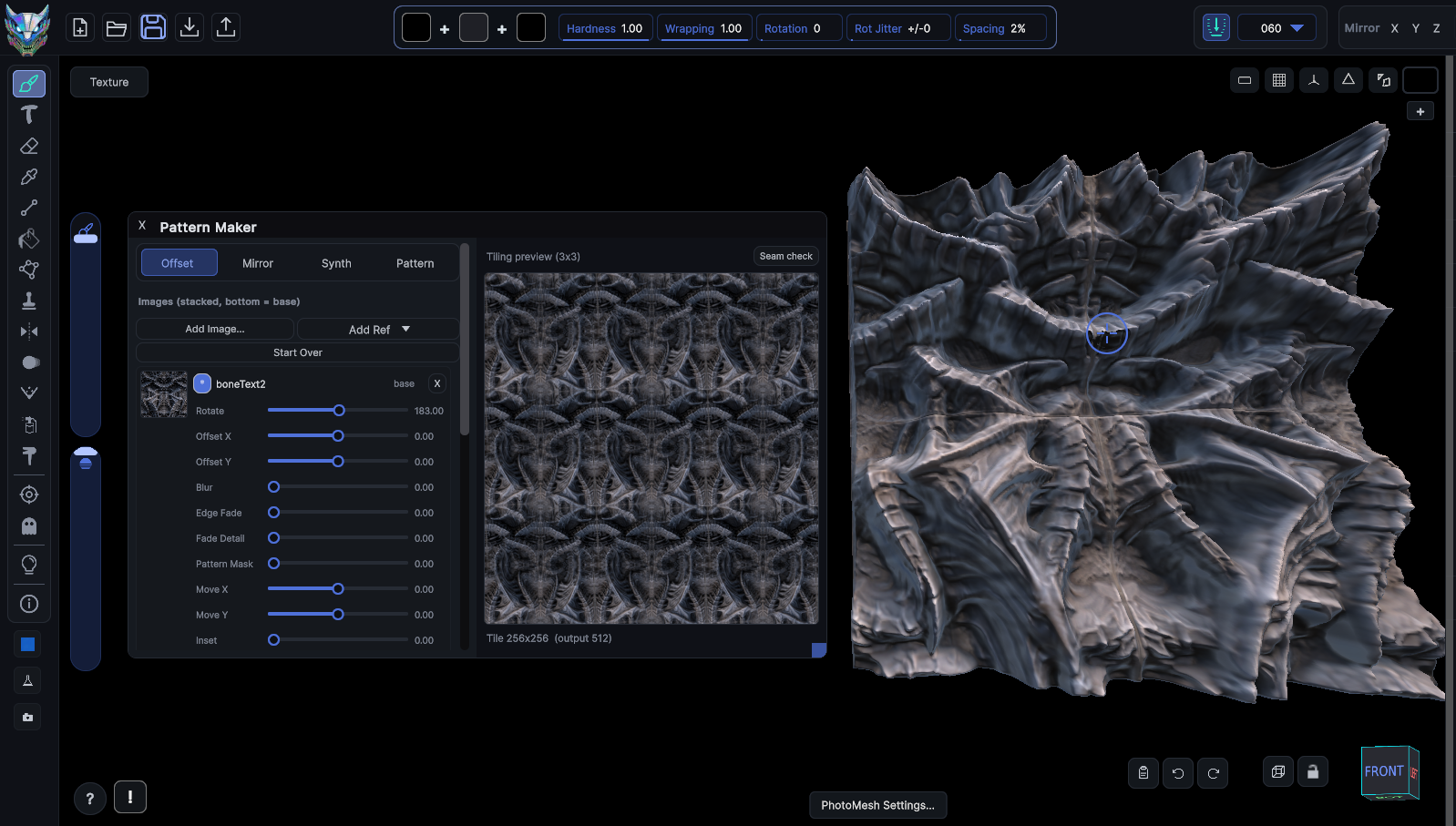
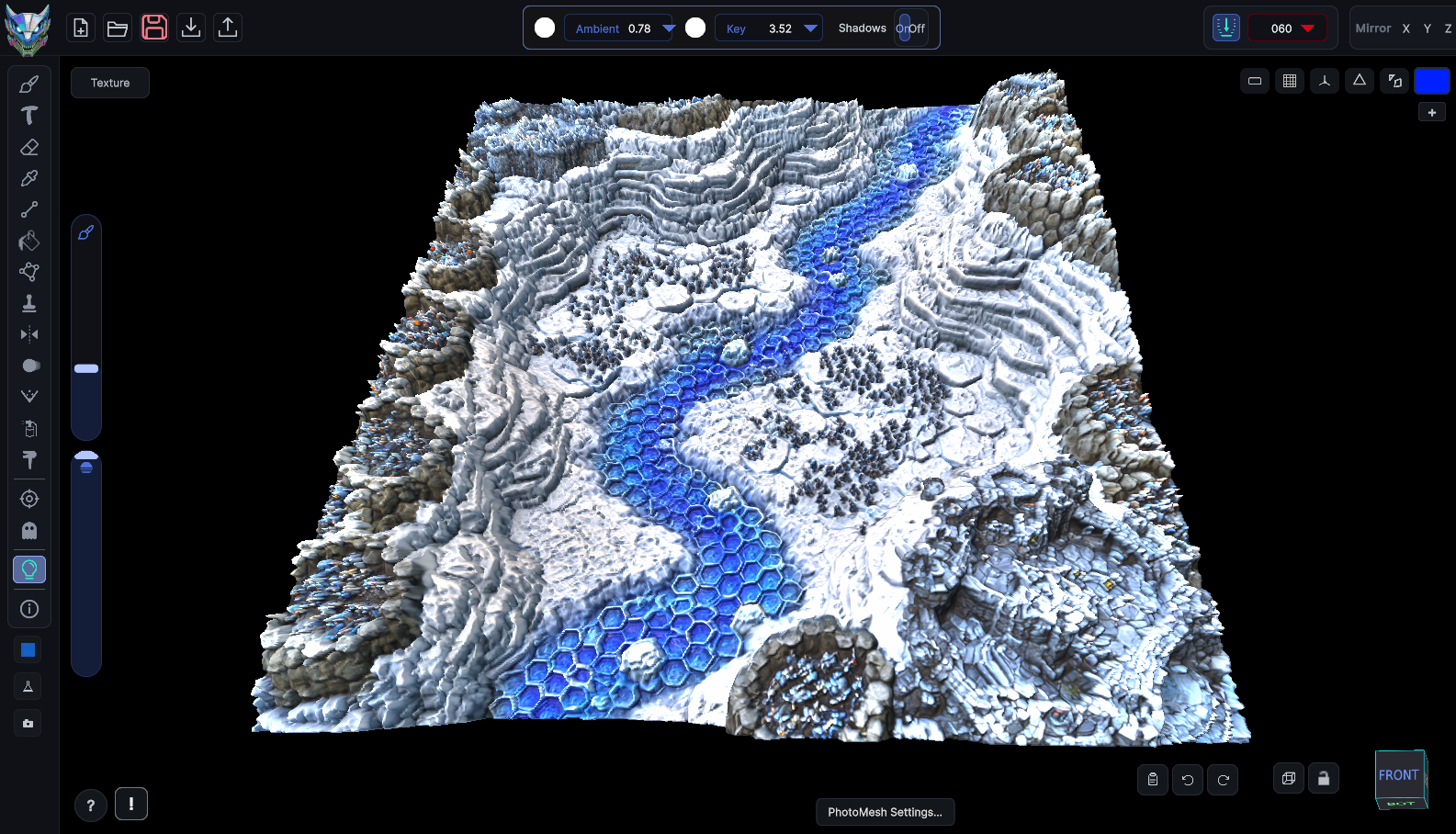
MechaPaint is a new way to paint and texture 3D models. Let the app handle the details. You just paint! I built it after years in the game industry because I wanted a more direct way to texture and paint 3D models and environments. Import, Paint, Export. Nothing complicated. Everything it does is aimed at one thing, making your 3D models look like you want them to look.
A new 3D art tool, made by human artists, for human artists
What You Can Do With MechaPaint
196 tools and modifiers, 11 supported file formats




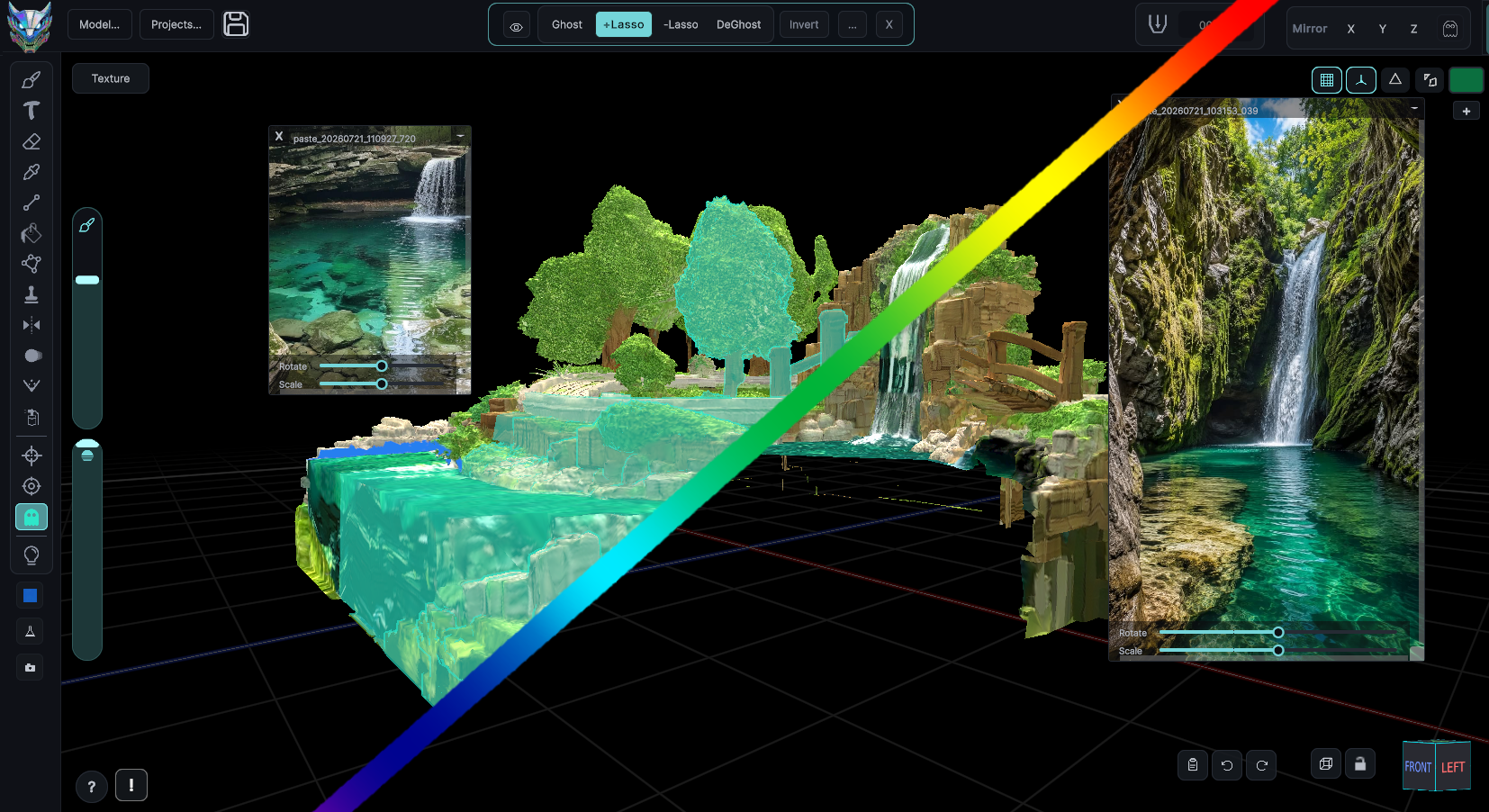


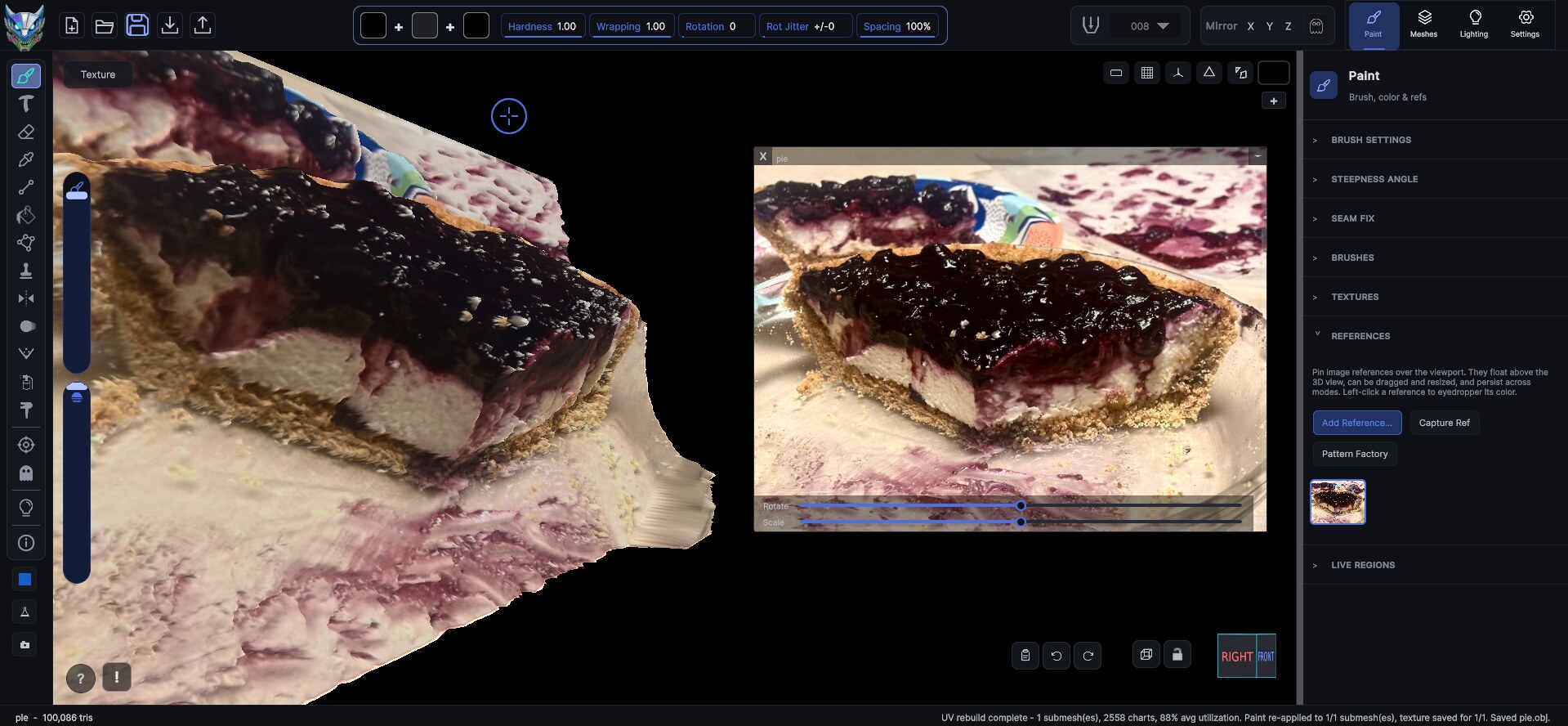
Three steps between "ugh, this asset" and "done"
There is no project setup, no material graph to wire, no baking rig to configure before you can lay down a stroke. Drop a model in and start painting.
Import
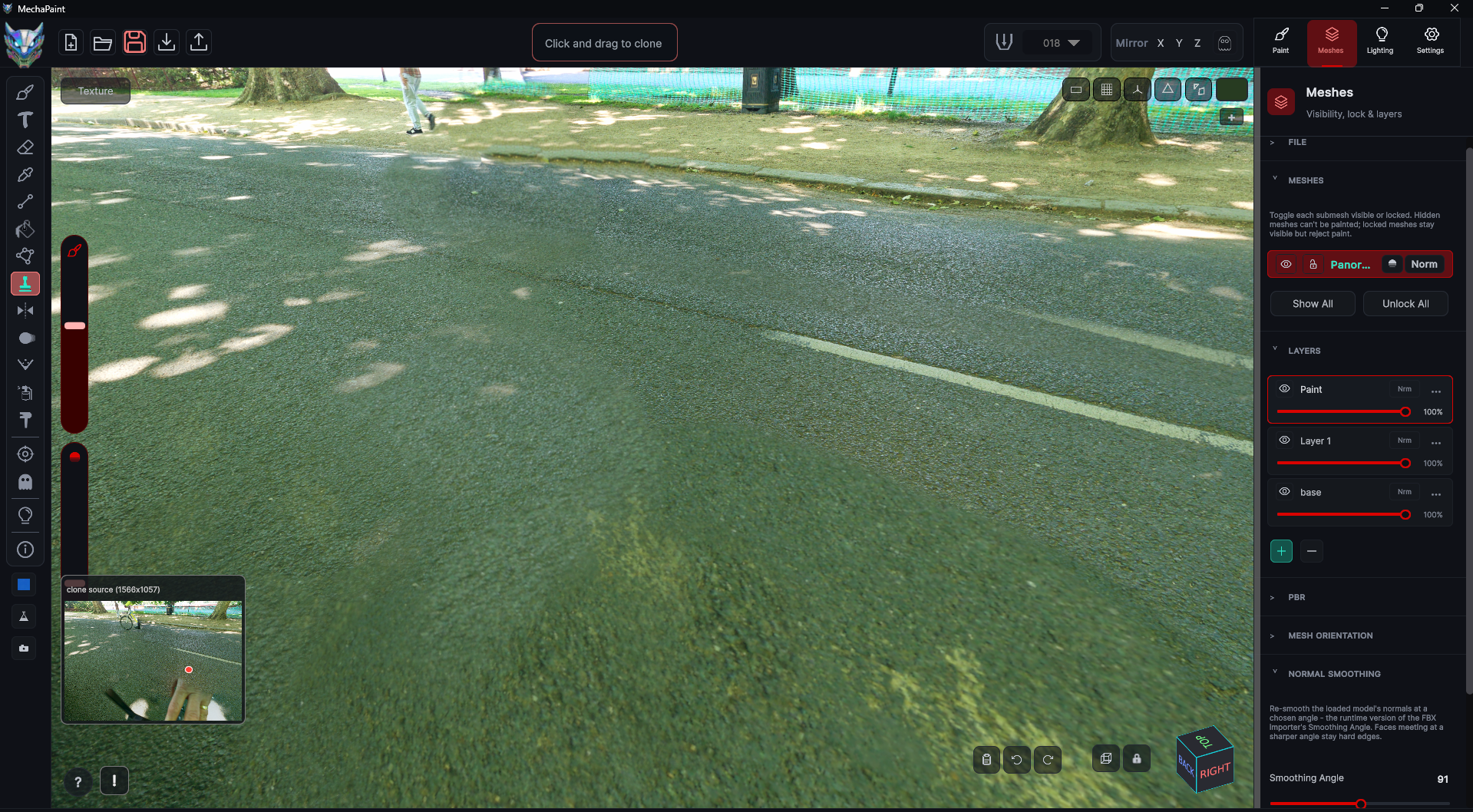
Drag a model onto the window, or paste one. Existing textures load onto the base layer, every material slot becomes an independently paintable submesh, and nothing on disk is touched.
Paint in 3D
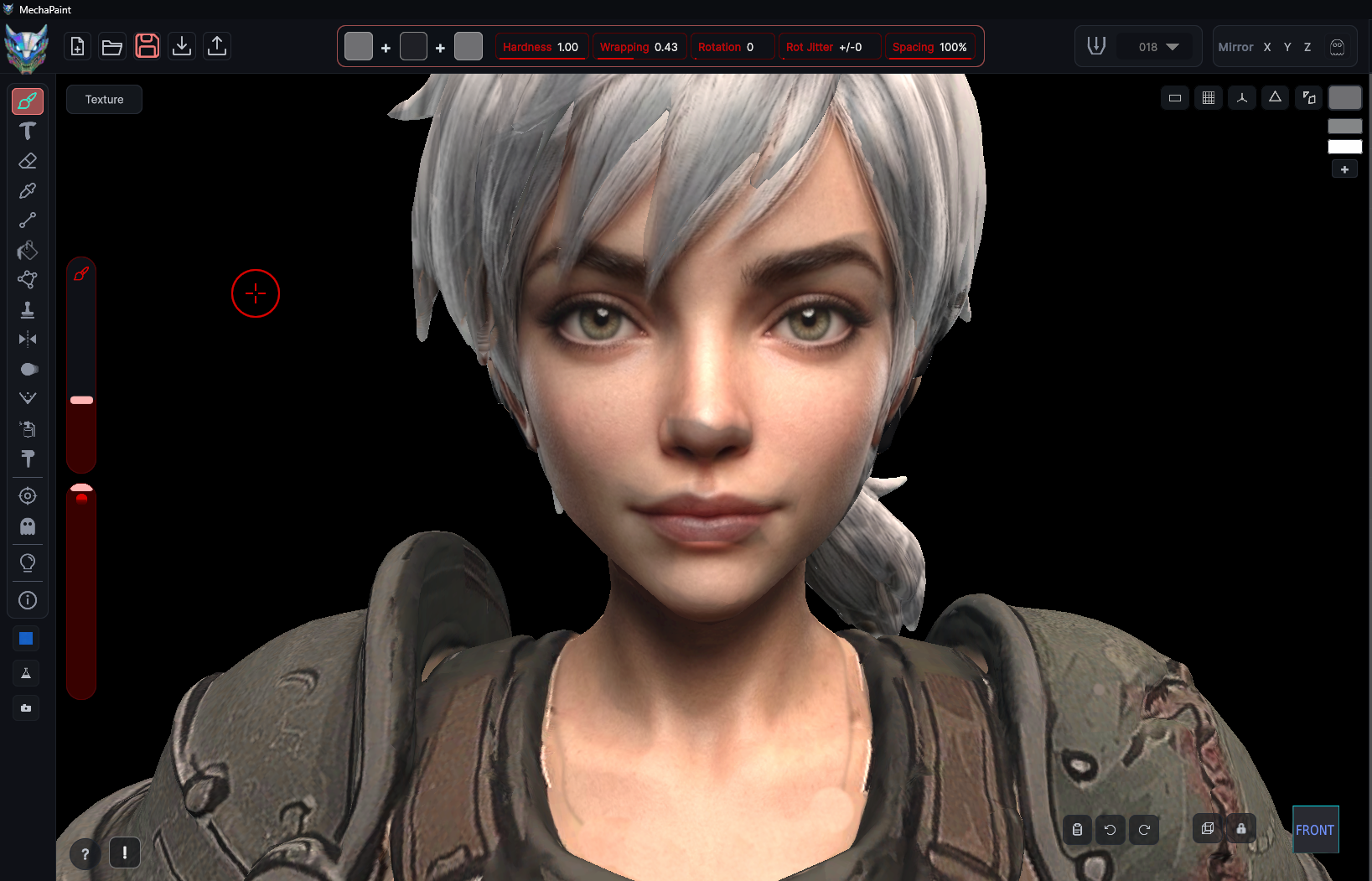
Work on the surface, not the flat map. Strokes land where you put them, across seams, across islands, across submesh boundaries, even on a model that is mid-animation. Painting on a moving mesh may well be a first for 3D painting. Of course, that only matters because it lets you paint the pose your audience will actually see. The UV bookkeeping is MechaPaint's problem, not yours.
Export
Write PNGs per submesh, merged or as separate layer files, at whatever resolution you need. Drop them straight back into Unity, Unreal, Godot, or any 3D software.
Whatever you build in, you're covered
Model in Blender, build in Unity, generate in Meshy, or design Polytoria clothing. Pick your tool for a guide to the round trip, with tips written for that pipeline specifically.
Roblox and Polytoria get dedicated, purpose-built tools: the official avatar bodies, template guides, and one-click upload-ready clothing export, so what you paint is what uploads. I am actively expanding both. See the avatar tools.