Undo & Redo
A Photoshop-style history with a hard floor, it can never erase your imported base texture.
VIDEO ON THE WAY
Final video is on the way, thank you for your patience!
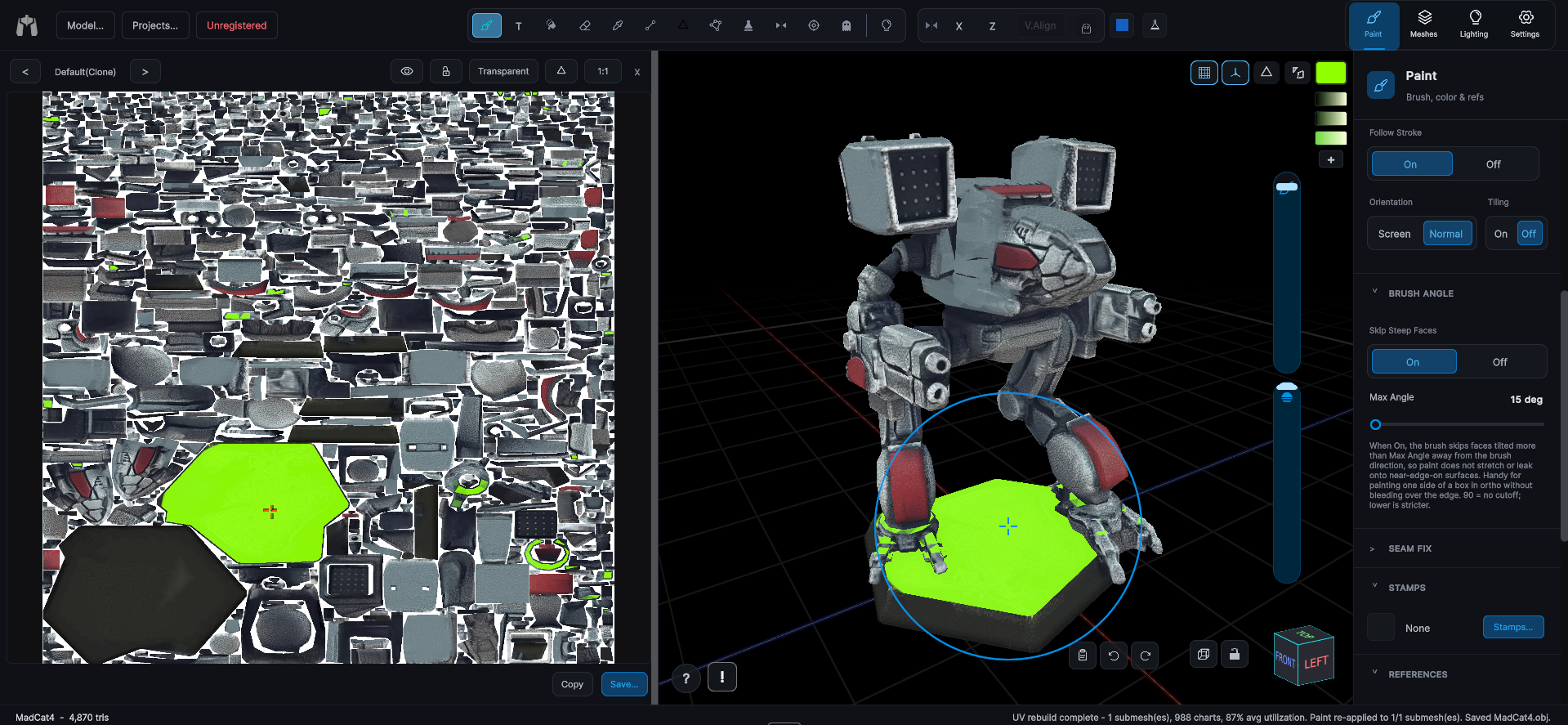
Undo and redo follow the Photoshop model: document changes (paint, fills, opacity) go into history, while tool and workspace settings like brush size, color, and zoom stay right where you set them. Undo and Redo fabs sit at the bottom-right, or use the usual shortcuts.
- A hard floor means undo can never step below your imported base texture, experiment freely.
- A whole opacity-slider drag is one step.
- History depth is tuned so it stays responsive.