
MechaPaint / Make Tripo Less Trippy
AI RESCUE
Make Tripo Less Trippy
Repaint faces, fix warped details, even swap faces with high res images, and get a model that actually looks like it should. This is one of Tripo's 8k example models up close.
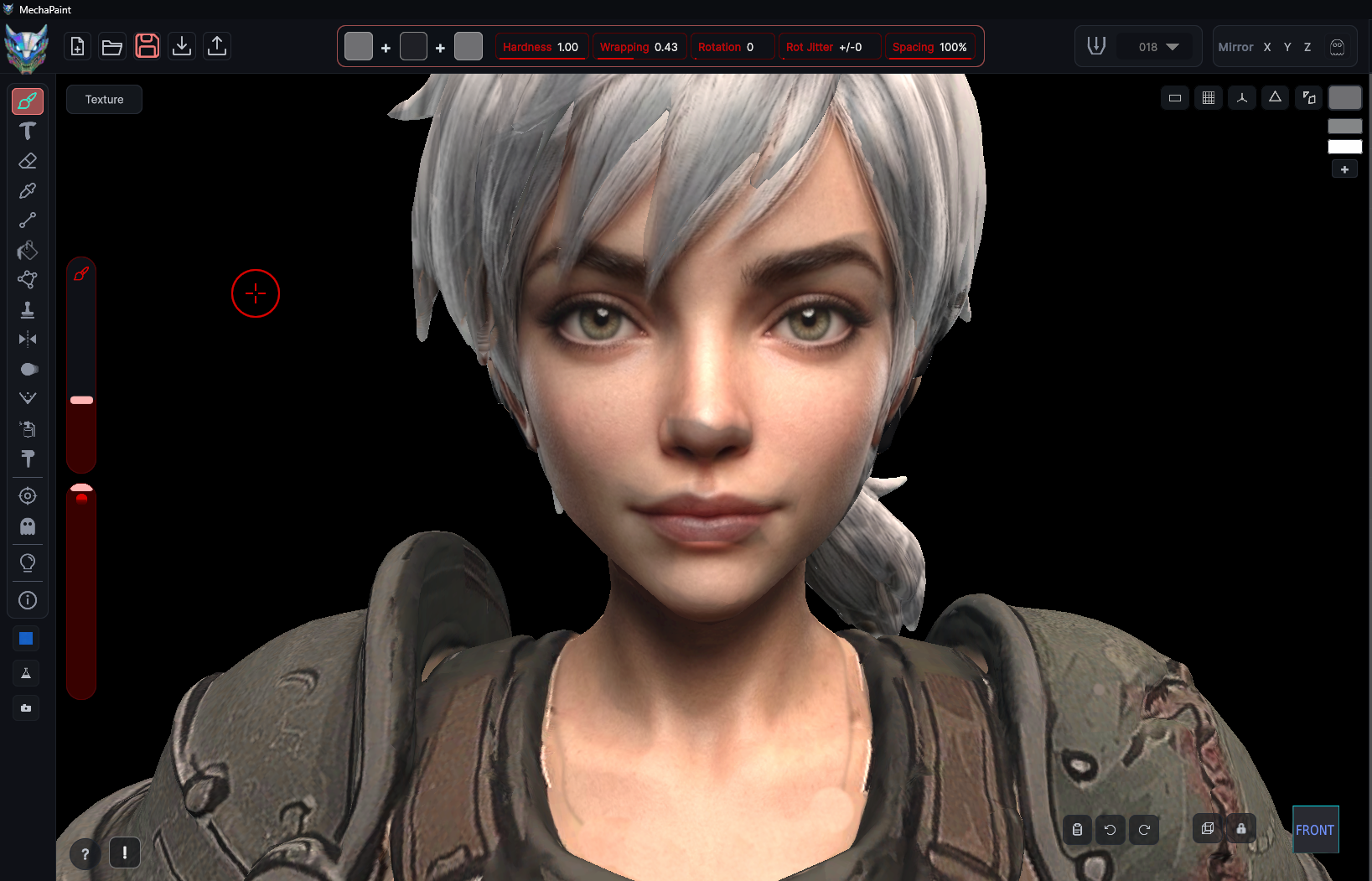
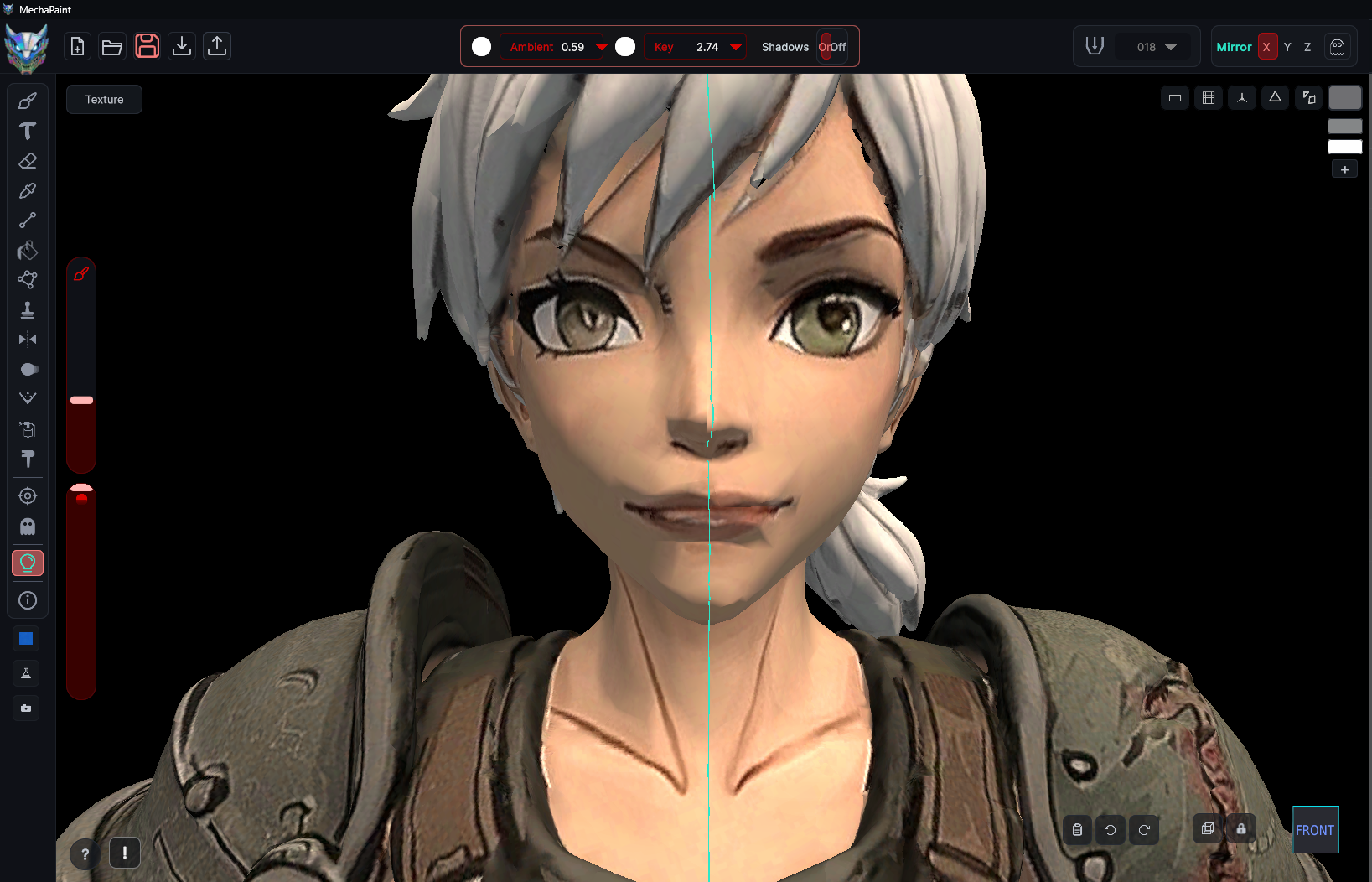
Faces are where generated models fall apart first, and they are the thing viewers look at hardest. Paint the face directly on the model, or transfer a high resolution photo onto it and blend it in. Drag the slider above to see the difference.
KEEP LOOKING
More of MechaPaint

Turn Any Photo Into A Model
MechaPaint's PhotoMesh converts any flat image into a textured 3D asset.
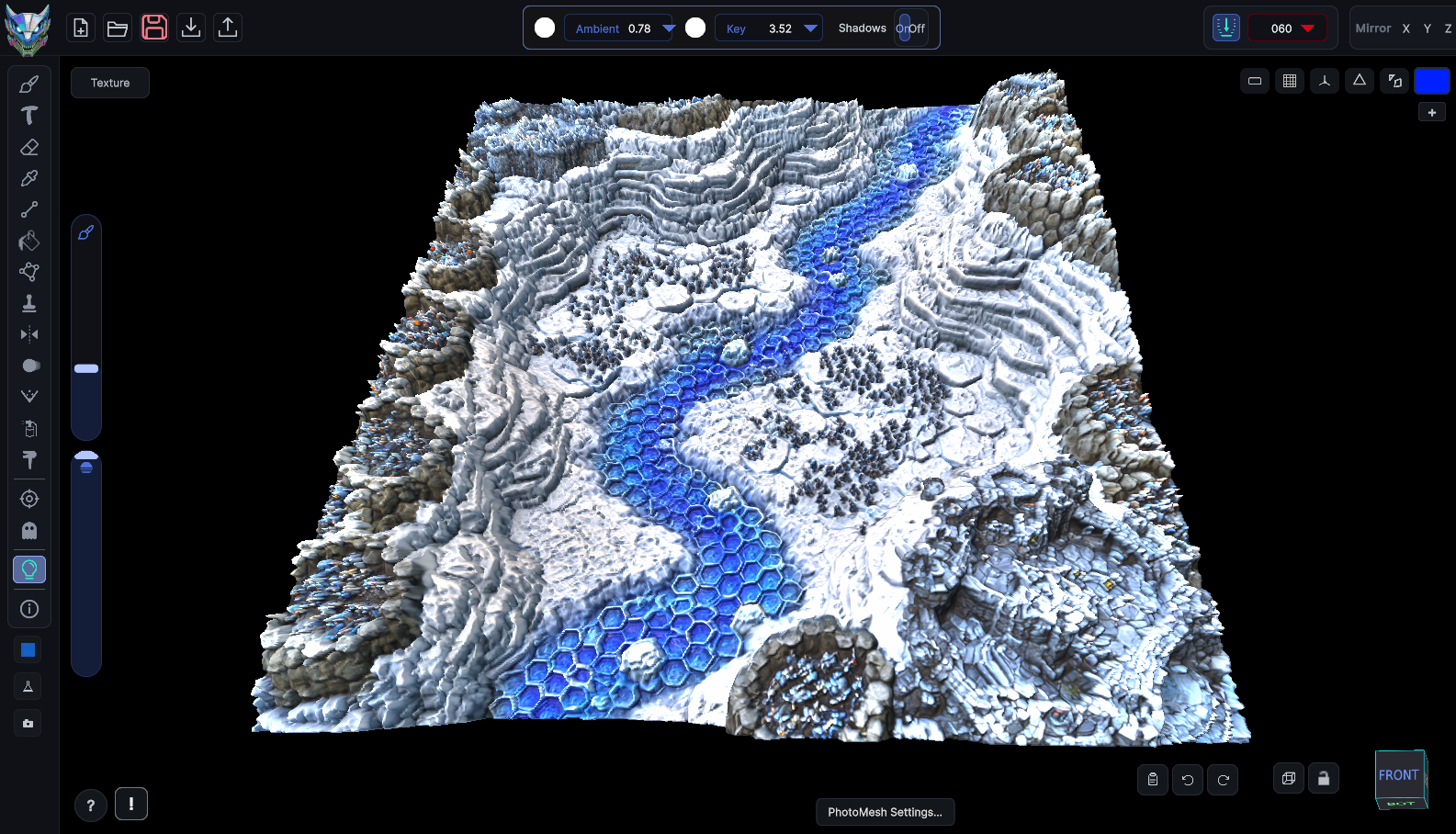
Create Stunning 3D Reliefs From Any Photo
Push a single image into real depth and get a sculpted, paintable surface.
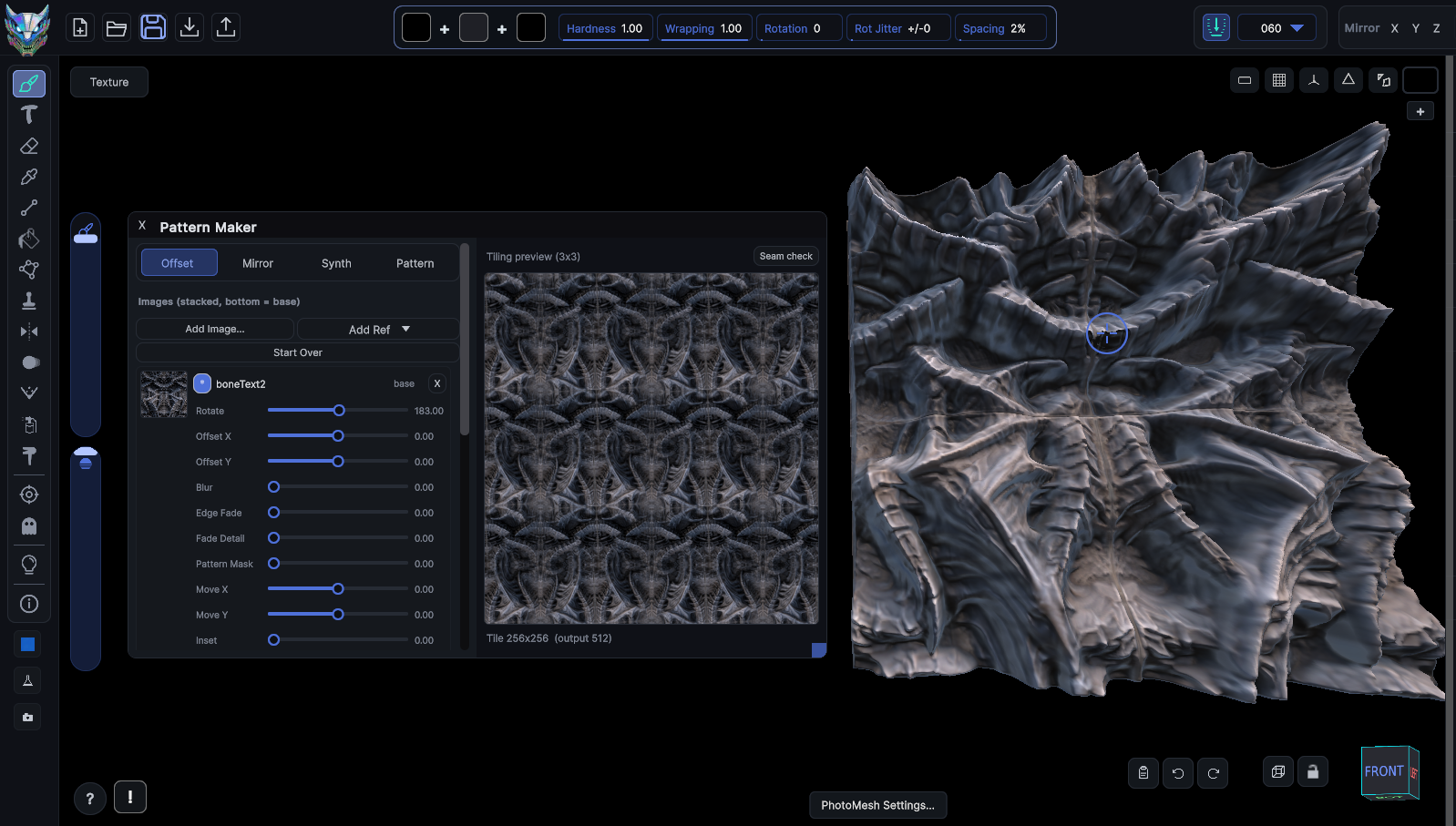
Build Repeating 3D Surfaces
Tiled, repeating backgrounds with real 3D geometry, for walls and interiors.

Make Meshy Less Messy
Clean up smeared, blurry, and mismatched AI textures without starting over.
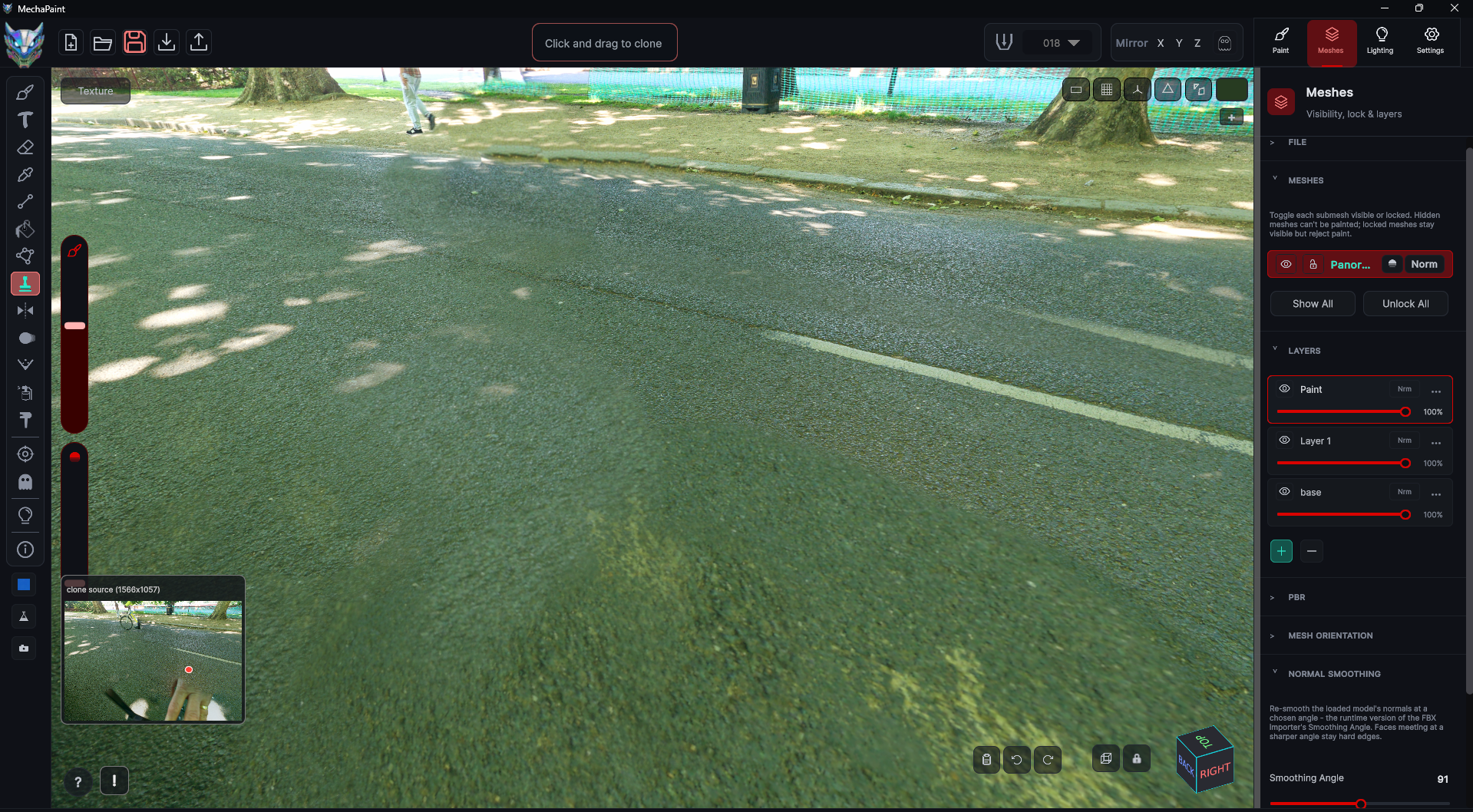
Fix Panoramas And Skyboxes
Kill the seams, stretching, and pinched poles that ruin a wraparound image.

Make More Looks, Faster
Turn one painted asset into a whole set of variations in minutes.