Turn Any Photo Into A Model
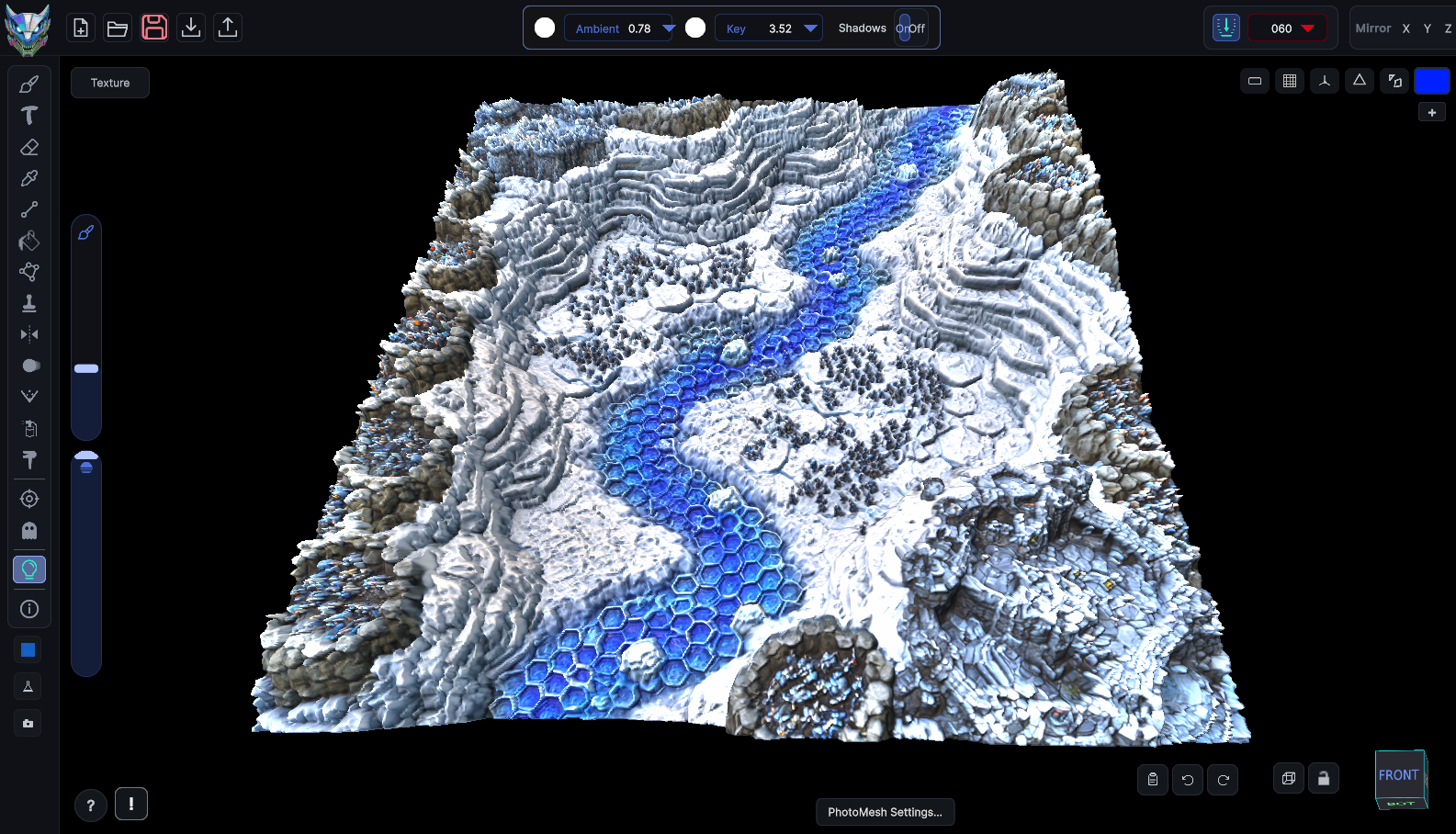
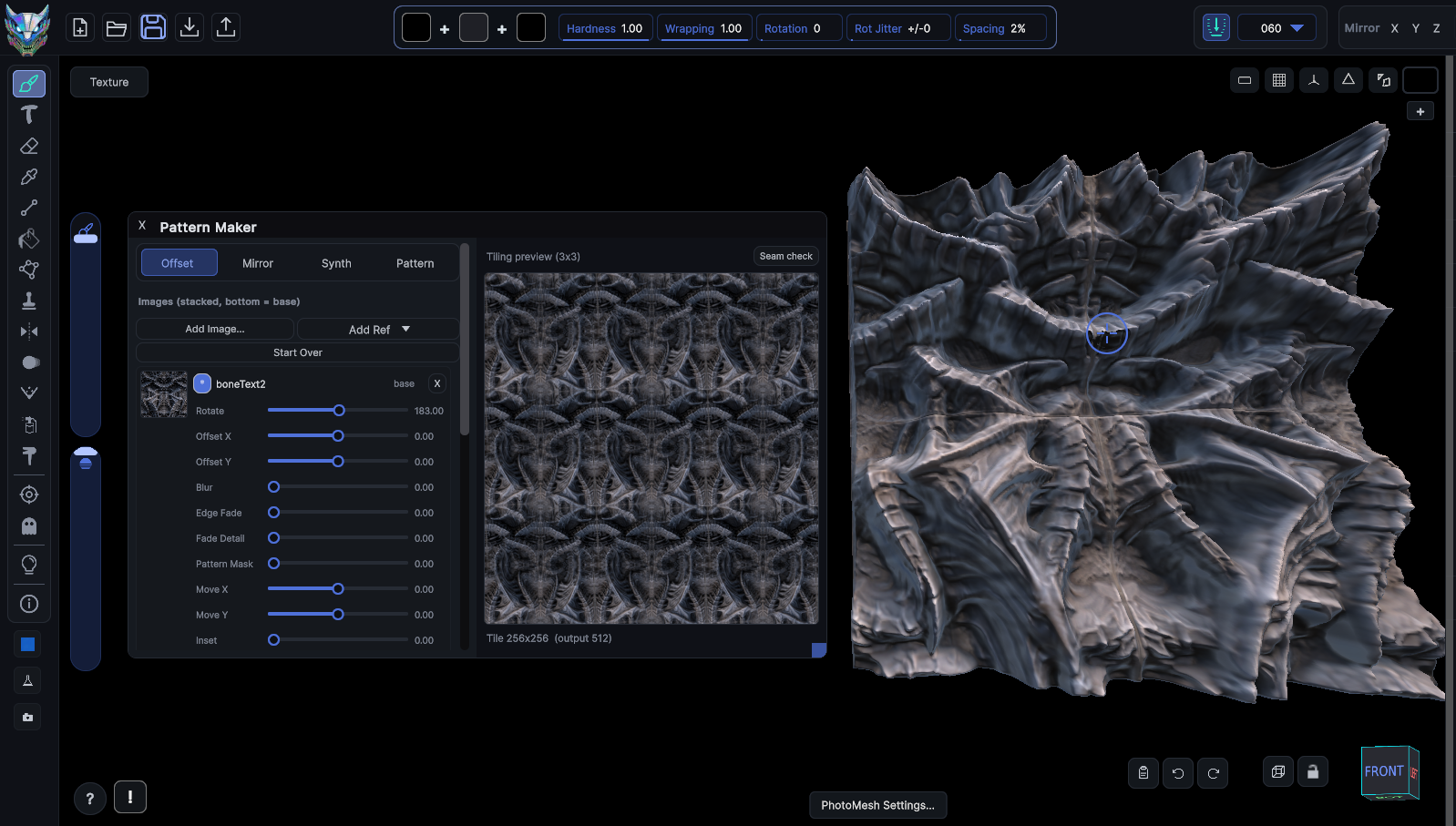
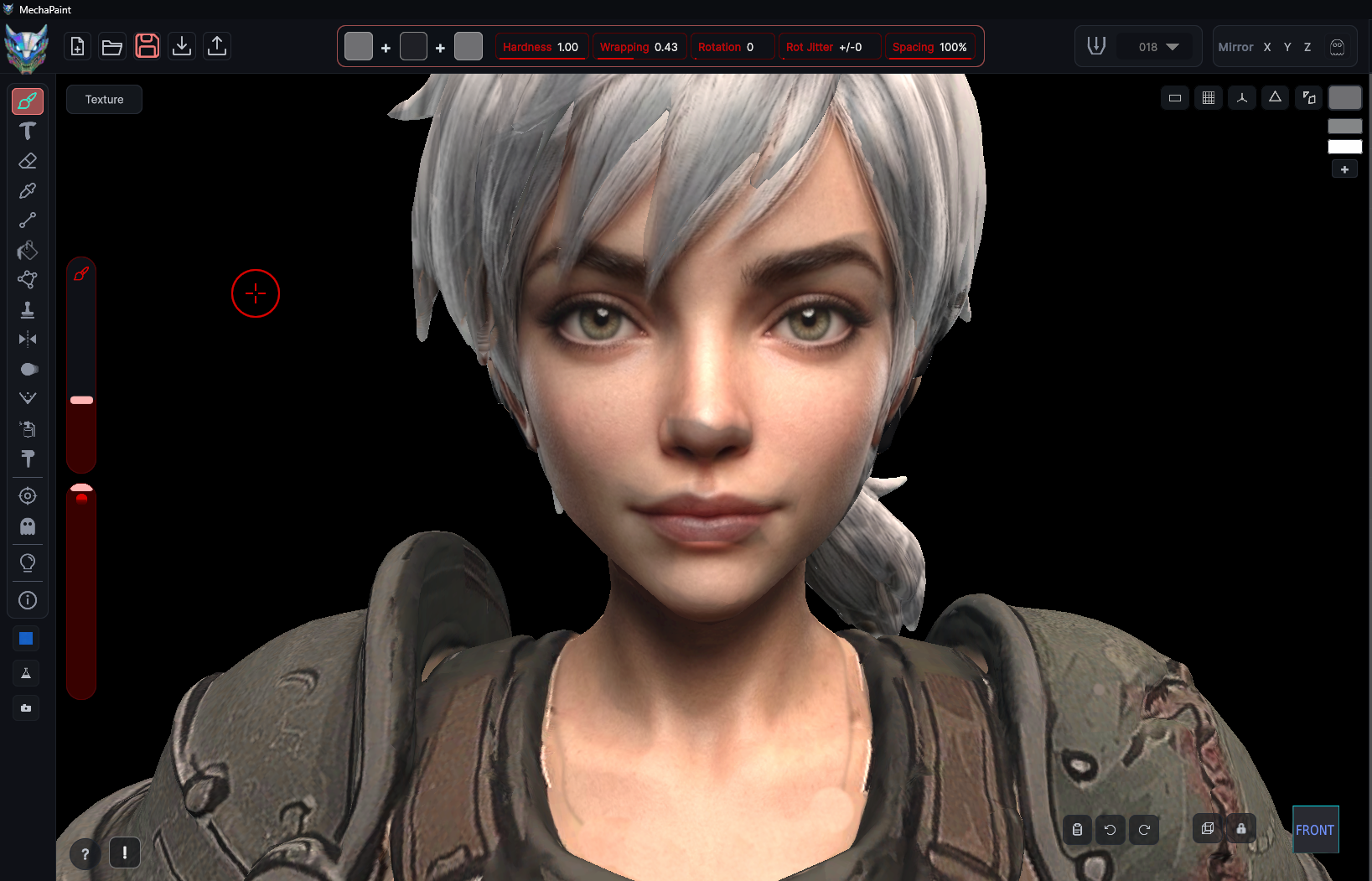
MechaPaint's PhotoMesh converts any flat image into a textured 3D asset you can light, paint and drop into a scene.
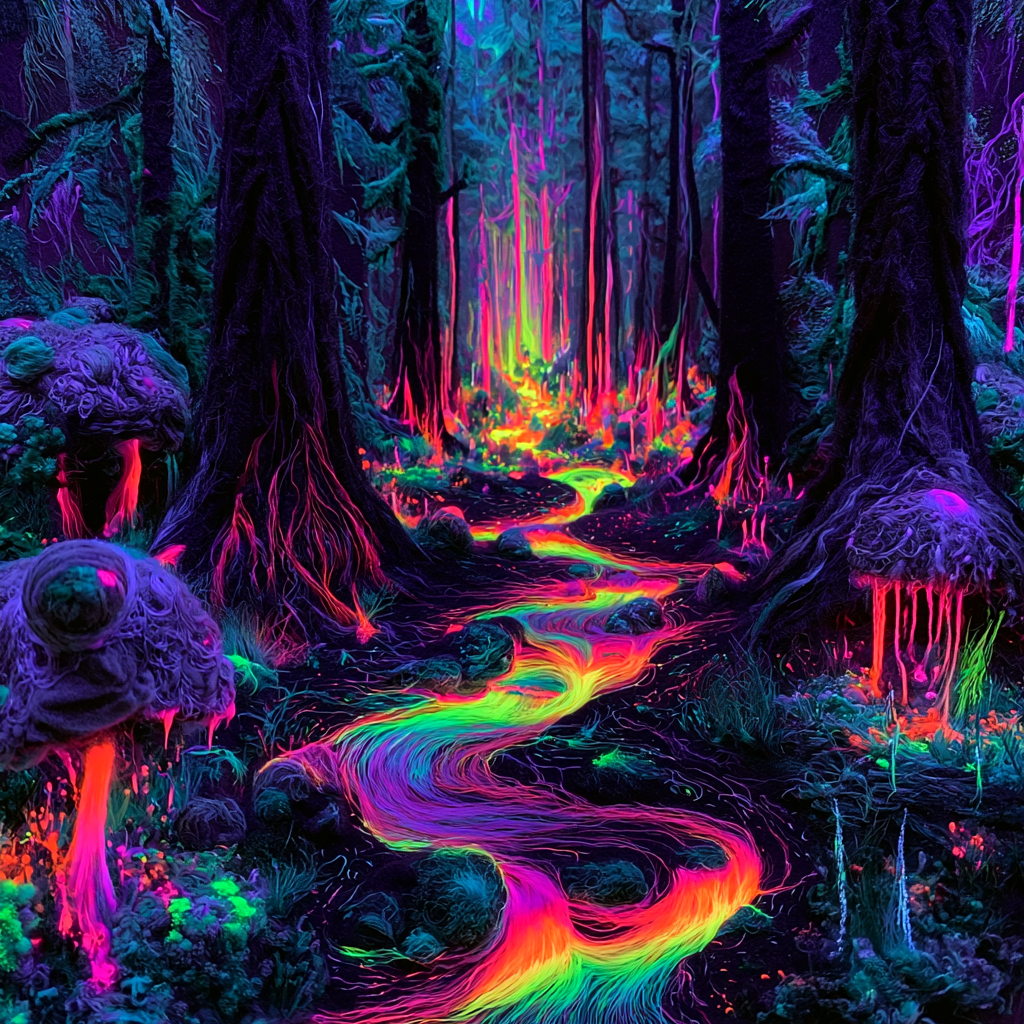

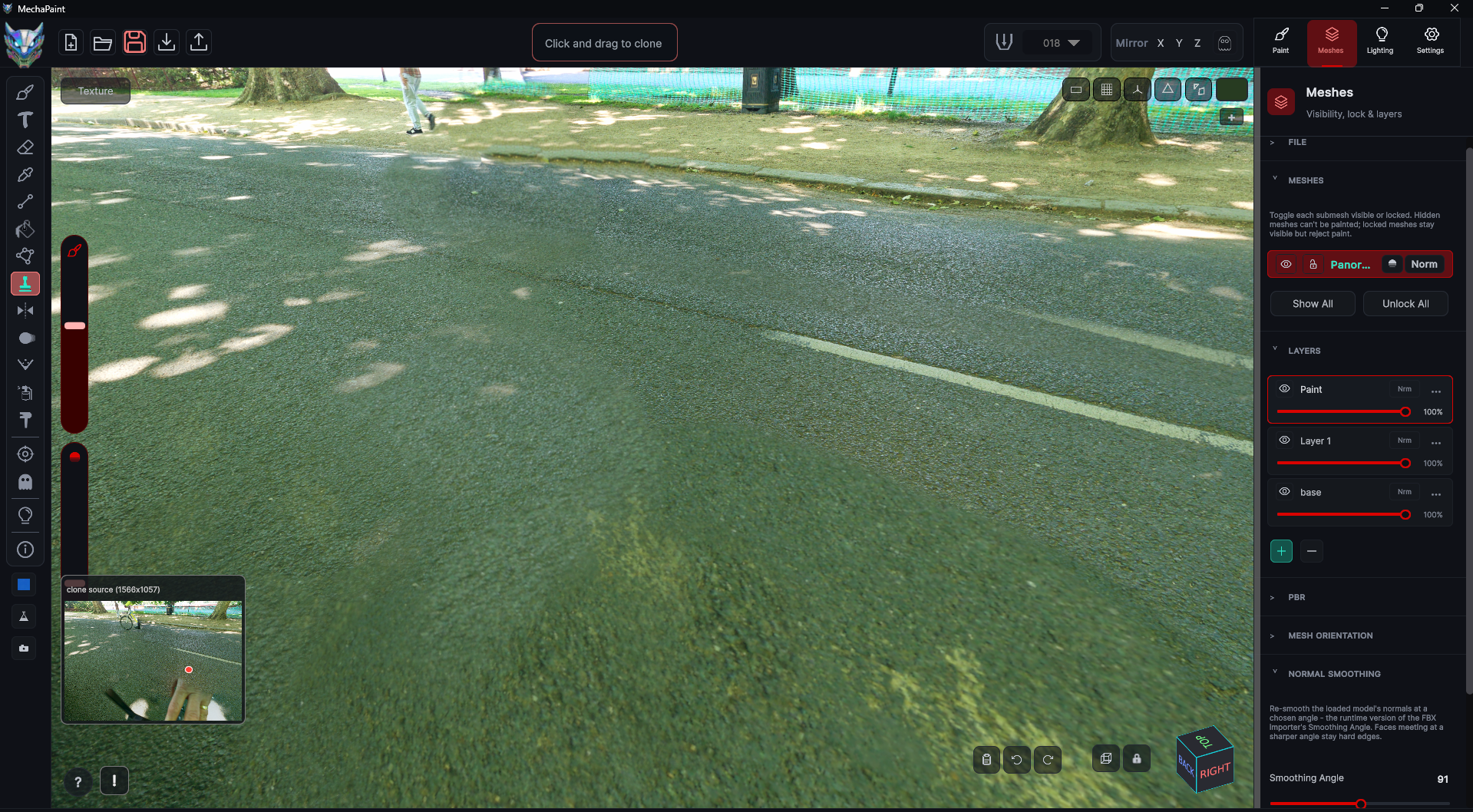
Start from a reference, a piece of concept art, or a photo you shot yourself. PhotoMesh reads the image and builds real geometry from it, so you get an asset with depth instead of a flat card. From there it is an ordinary MechaPaint model: paint on it, adjust the color, bake lighting into it, and export it to your engine. Building real geometry from a single photo inside a paint app is, as far as I know, unique to MechaPaint. Of course, that only matters because it puts a paintable asset in front of you in about a minute.
See the whole workflow, step by step →
Five real screenshots, from the button you click to the finished model open in Blender.
More of MechaPaint