50% OFF Launch sale, MechaPaint is half off until full PBR support ships, a few more days.
Click to join in!Come hang out with us and talk about the future of art as we know it!
MECHAPAINT + POLYTORIA

Design Polytoria clothing
right on the avatar.

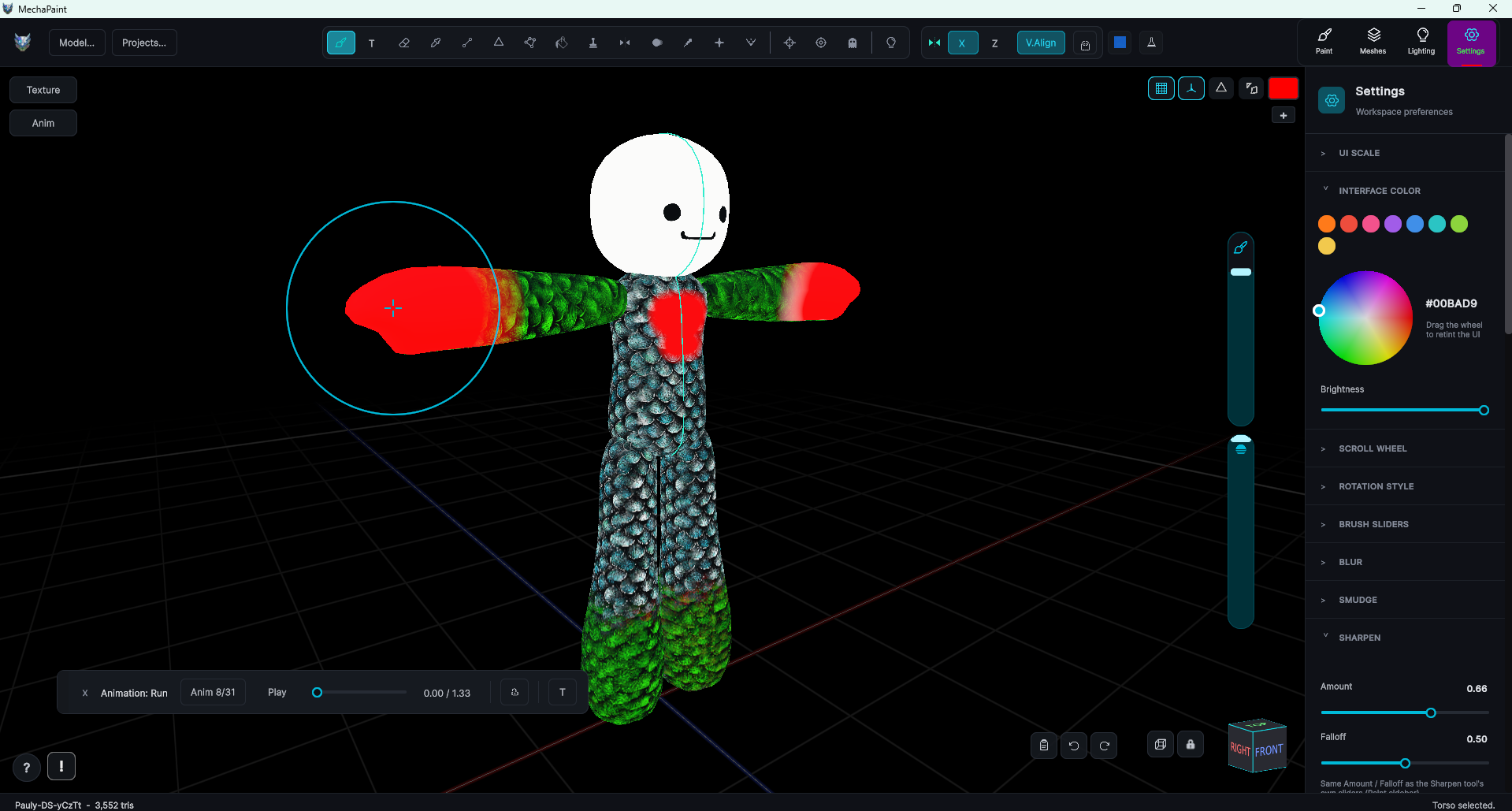
Clothing being painted directly on the official Polytorian avatar in MechaPaint

Stop guessing which template rectangle is the left sleeve. MechaPaint ships with a dedicated Polytoria mode: the official Polytorian avatar is built in, you paint your clothing directly on the body in 3D, and one click exports an upload-ready template PNG.

WHY MECHAPAINT

Built-in Polytoria support, not a workaround

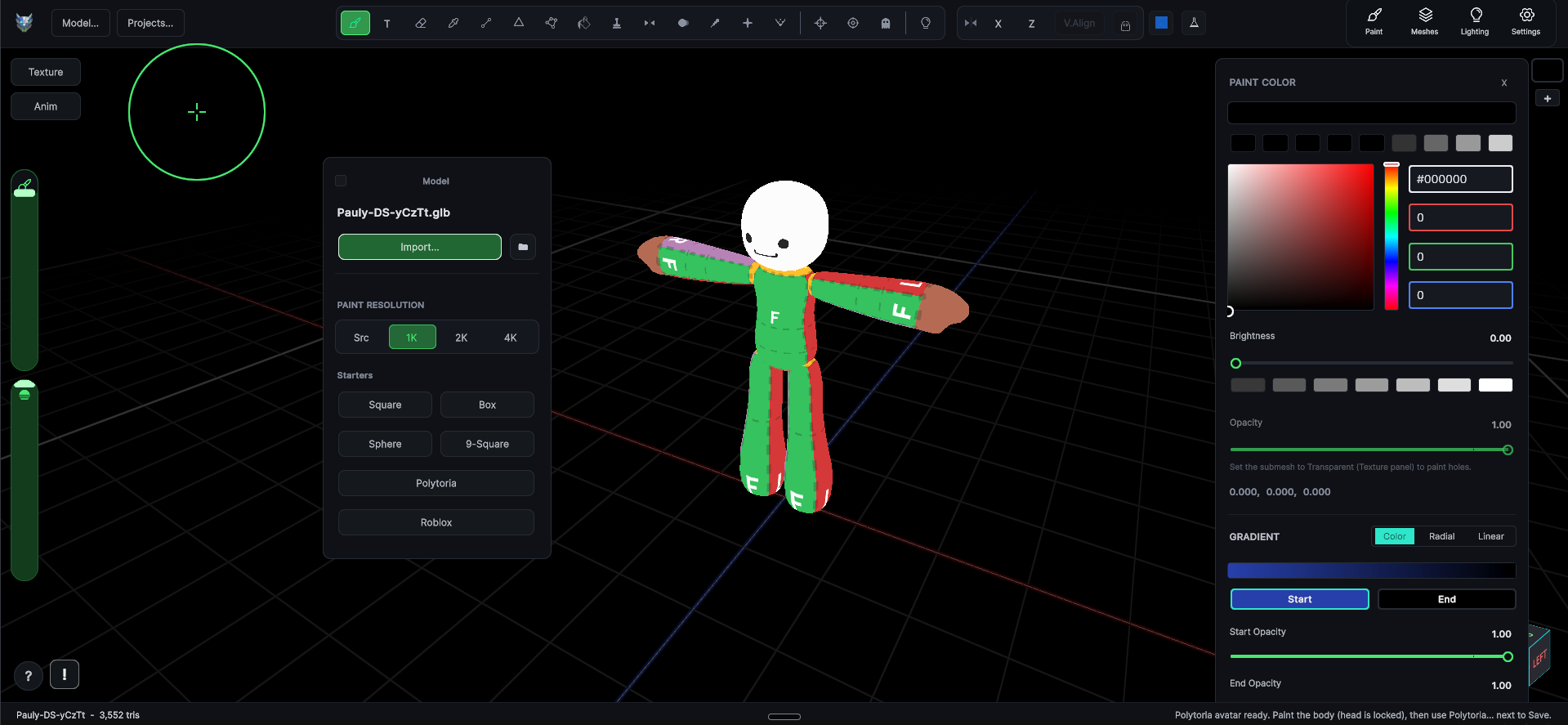
The built-in Polytoria avatar starter loading the official Polytorian with its clothing template

The official avatar is built in

Open the Mesh window, hit Starters > Polytoria, and the official rigged Polytorian loads instantly, with the official clothing template already in place as a guide layer under your paint. No downloading models, no setup.
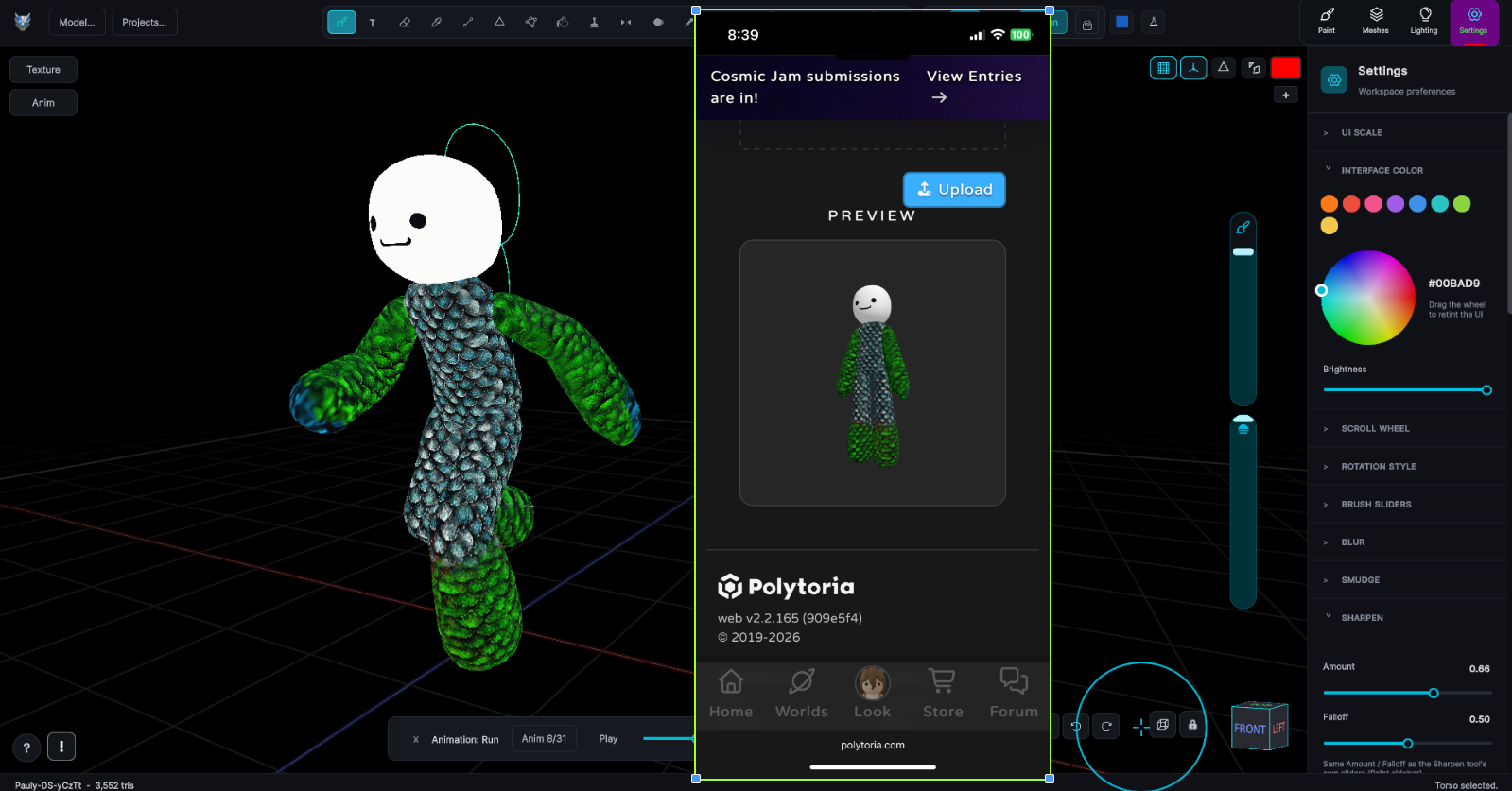
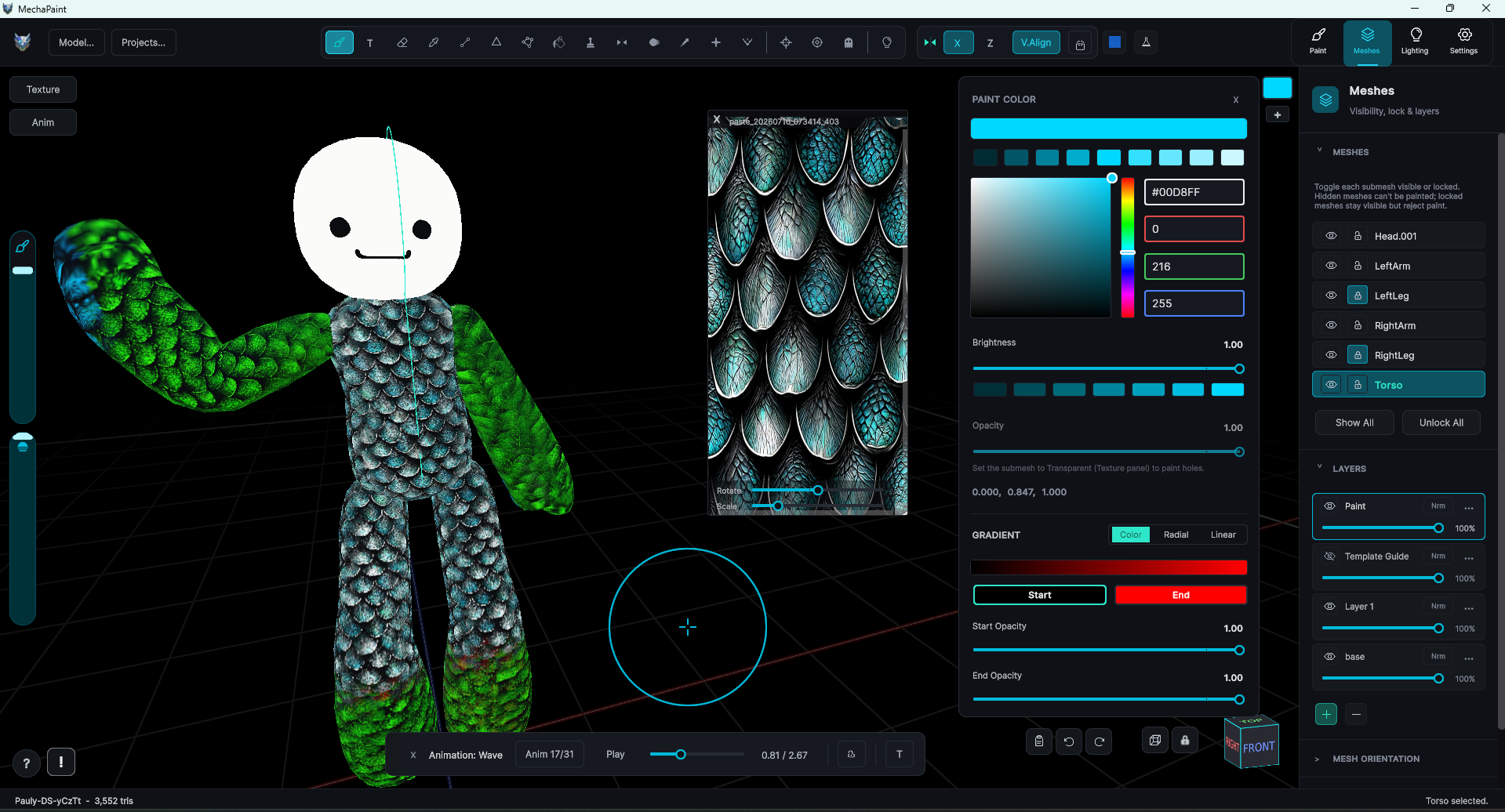
Painting a shirt design directly on the Polytorian avatar's body in 3D

Paint on the body, not the flat template

Draw your shirt where the shirt actually is. Strokes wrap the torso and arms exactly as they will in game, and the head is automatically paint-locked so your face asset stays safe while you work.

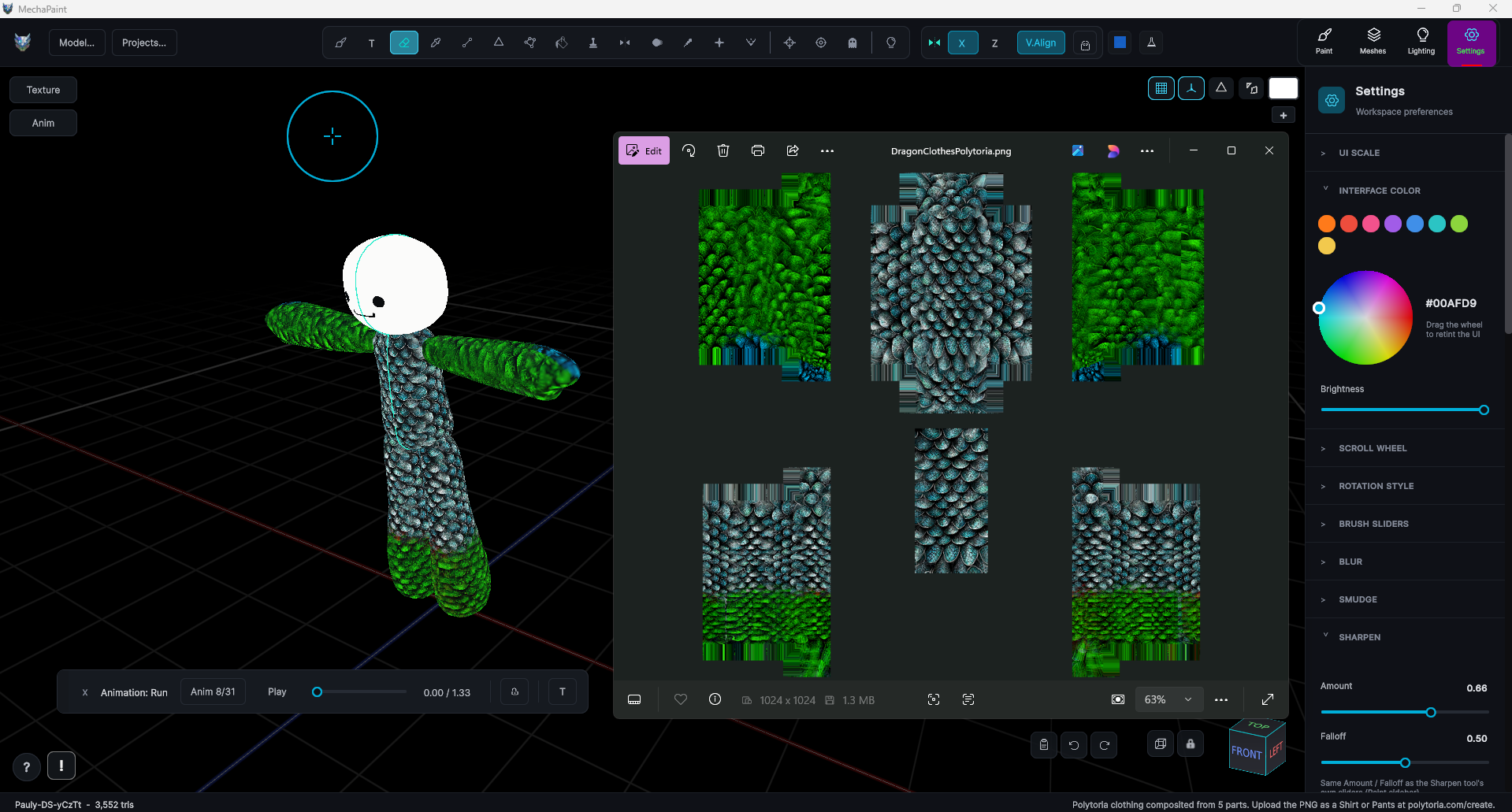
One-click export producing an upload-ready Polytoria clothing template PNG

One click to an upload-ready template

The Polytoria export button composites every clothing piece into a single 1024 template PNG laid out to match the official template, guide layer excluded automatically. Save, upload, done.

Symmetry painting matching designs onto both sleeves of the Polytorian at once

Real art tools for your designs

Symmetry paints both sleeves at once. Layers keep your linework separate from your color fills. Undo goes as deep as you need. It is the same full toolkit MechaPaint gives studios, pointed at your clothing line.

PIPELINE

Idea to upload in three steps

01

Load the avatar

Starters > Polytoria loads the official Polytorian with the clothing template as a guide layer and a fresh empty paint layer on top.

02

Paint your design

Work directly on the body in 3D with brushes, layers, symmetry, and patterns. The guide shows you exactly where template regions fall on the mesh.

03

Export the template

One click builds the upload-ready 1024 template PNG in the official layout. Upload it to Polytoria and wear your work.

Your next outfit starts here.

Download, Windows & Mac Buy while it's half off

Buying unlocks watermark-free exports.