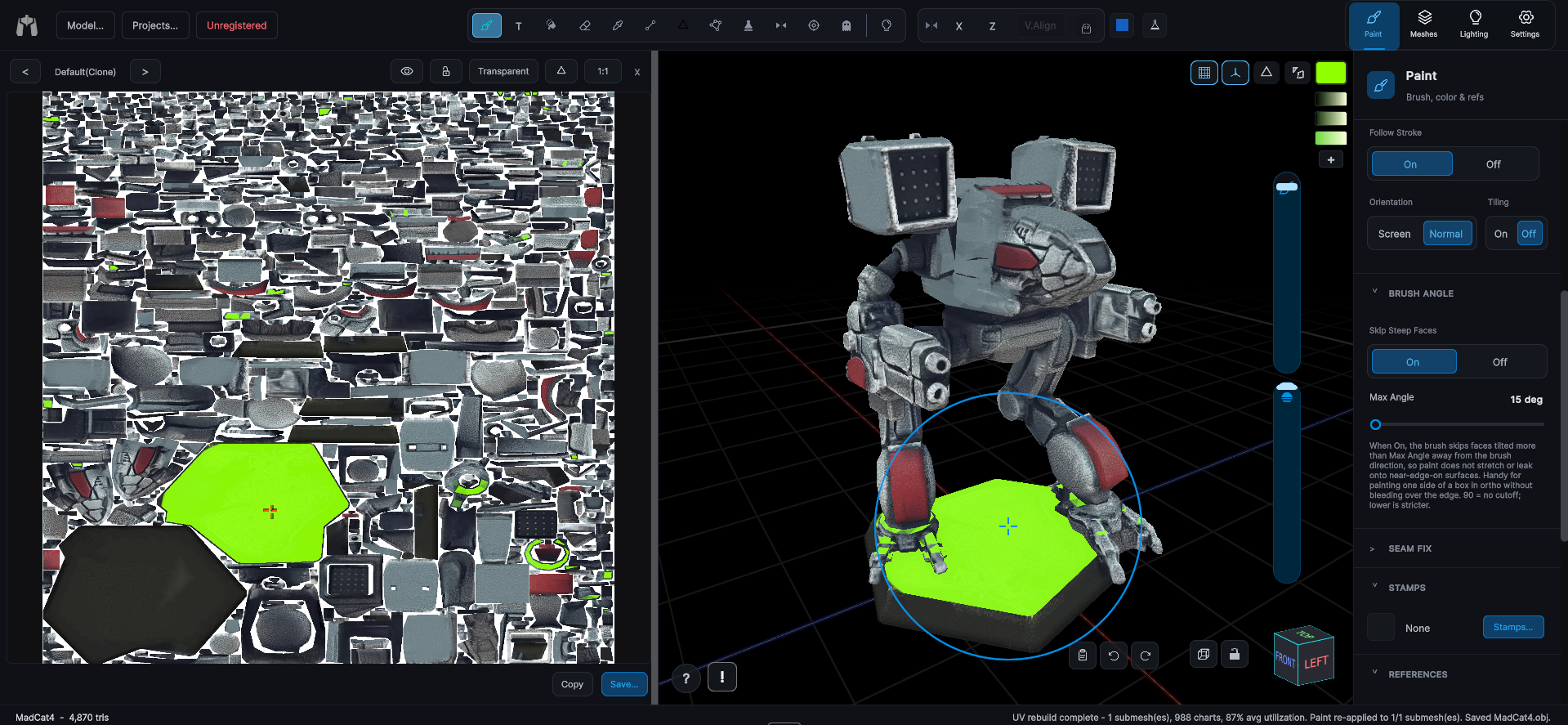
Paint Bucket
One click fills a whole connected piece, solid color or a triplanar pattern.
VIDEO ON THE WAY
Final video is on the way, thank you for your patience!
The Paint Bucket fills the entire connected "thing" under the cursor in a single click. It is point-based, so you get a precise crosshair whatever your brush size.
- Fills with the solid brush color, or a triplanar projection of the current stamp when the Brush Settings Tiling toggle is on.
- Honors two-color gradients, linear along a drag, or radial from the click point.
- Respects locked and hidden submeshes.
- Fills with a full PBR material when one is armed on the Material Brush. Color, roughness, metalness, normal, occlusion and height all land together, in the color flood, in Islands with its mirrored twin, and across Model and Mesh scope, and the whole fill undoes in one step. See the Material Depot.