MechaPaint / Baking & Patterns
BAKING & PATTERNSDepth, shadow, and surface
Two things that make a model stop looking flat: light baked into the texture, and a material that actually repeats across the surface. MechaPaint does both in a pass.
Depth and shadow, baked in an instant
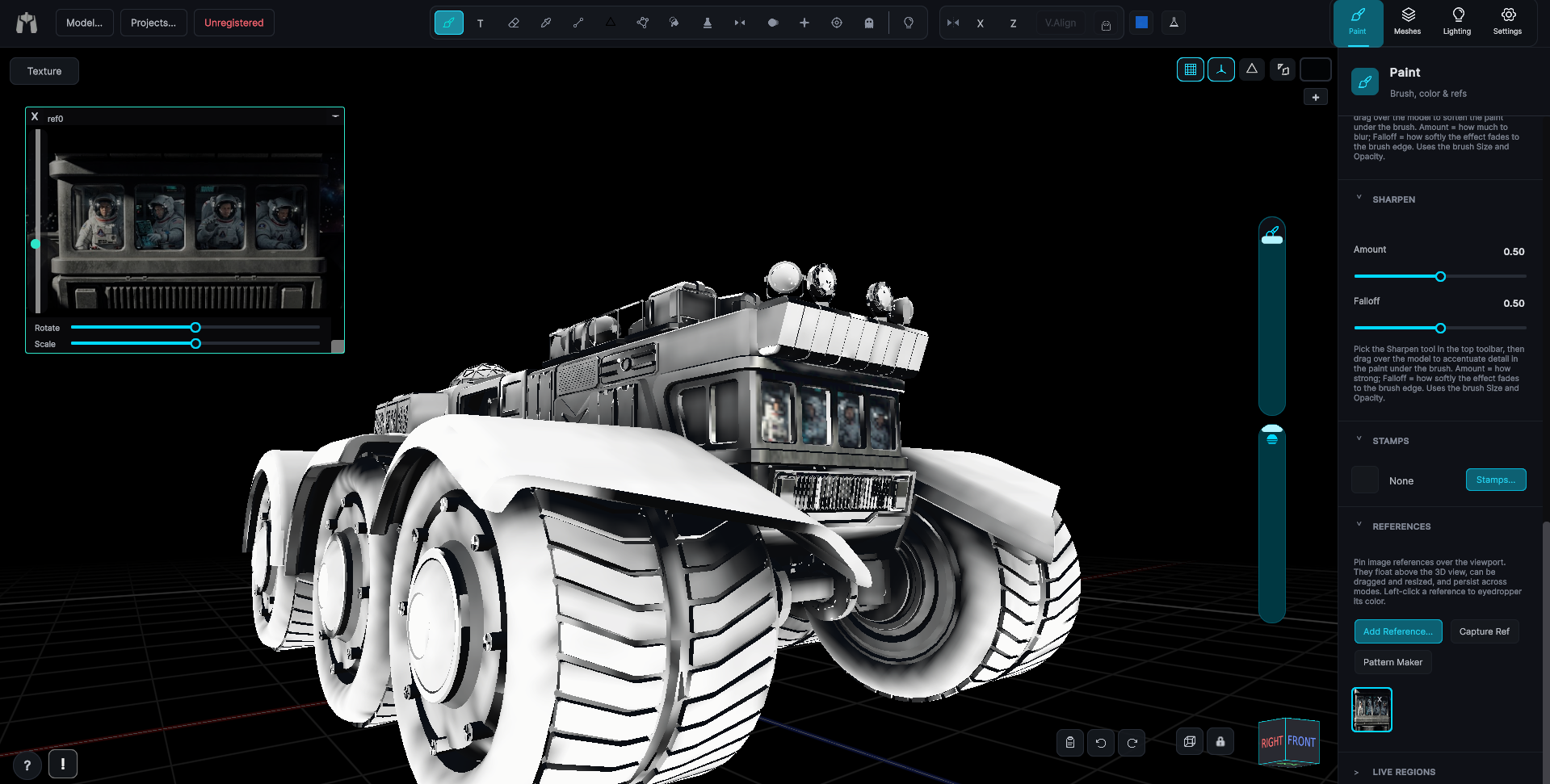
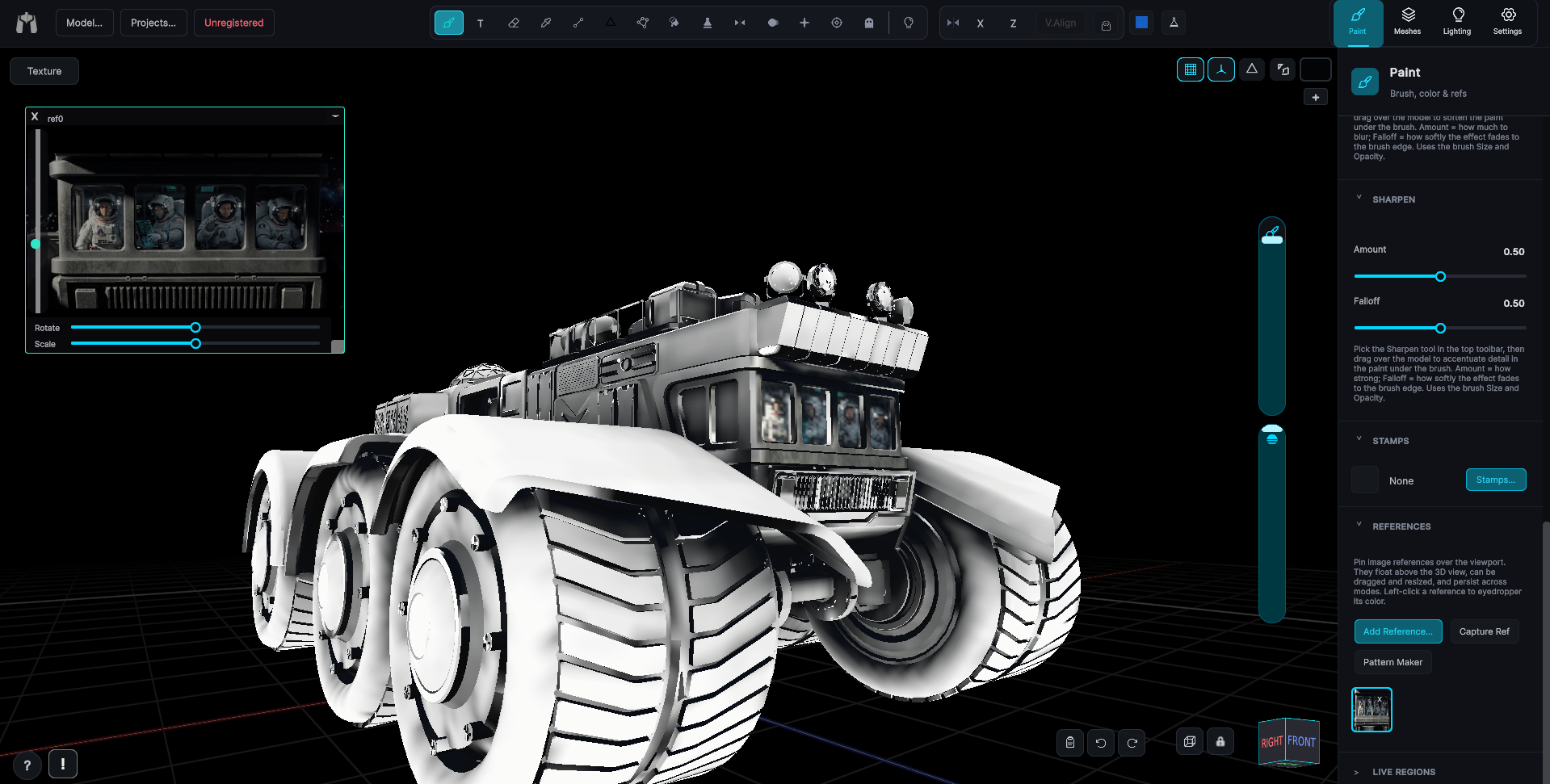
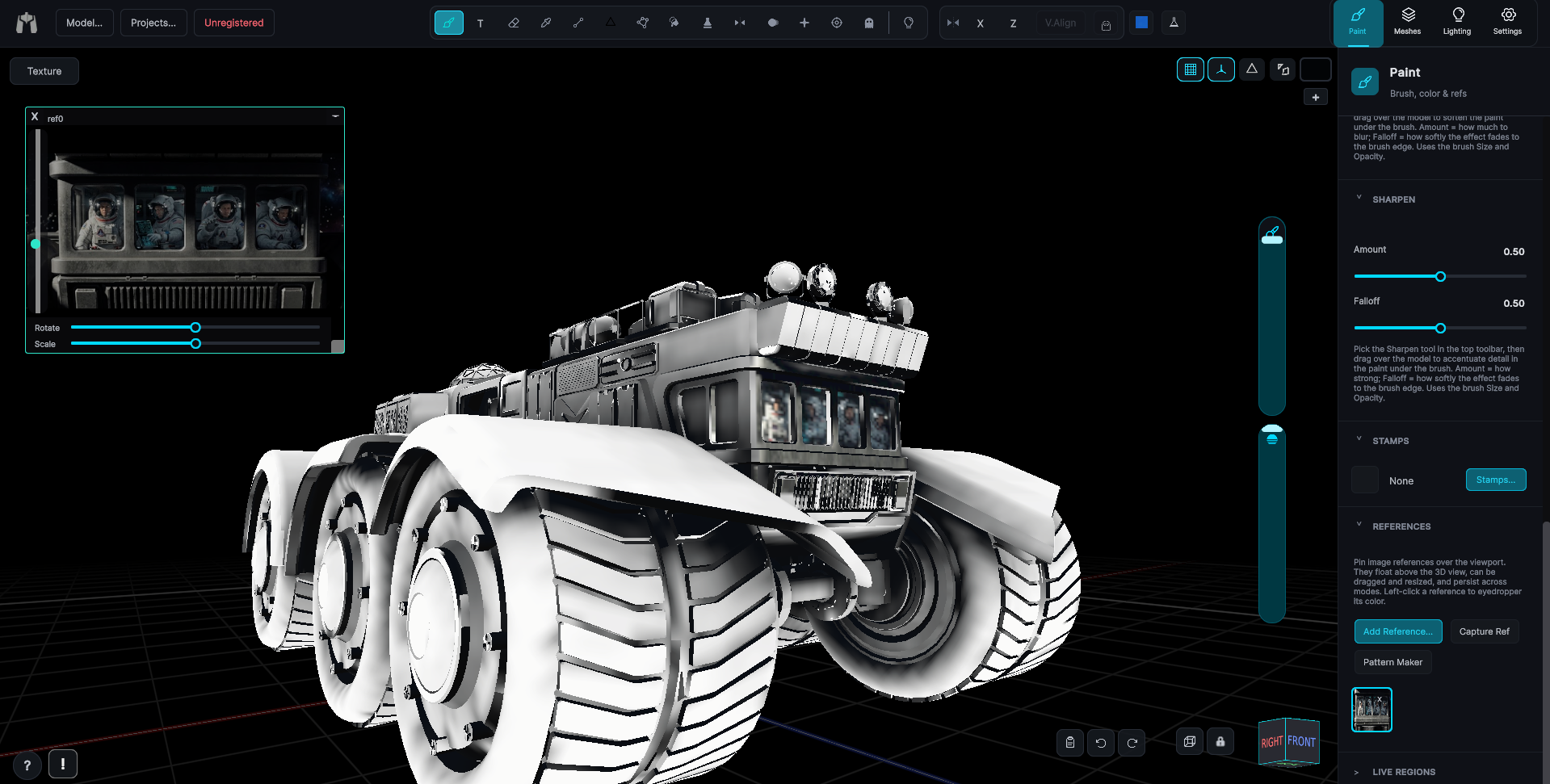
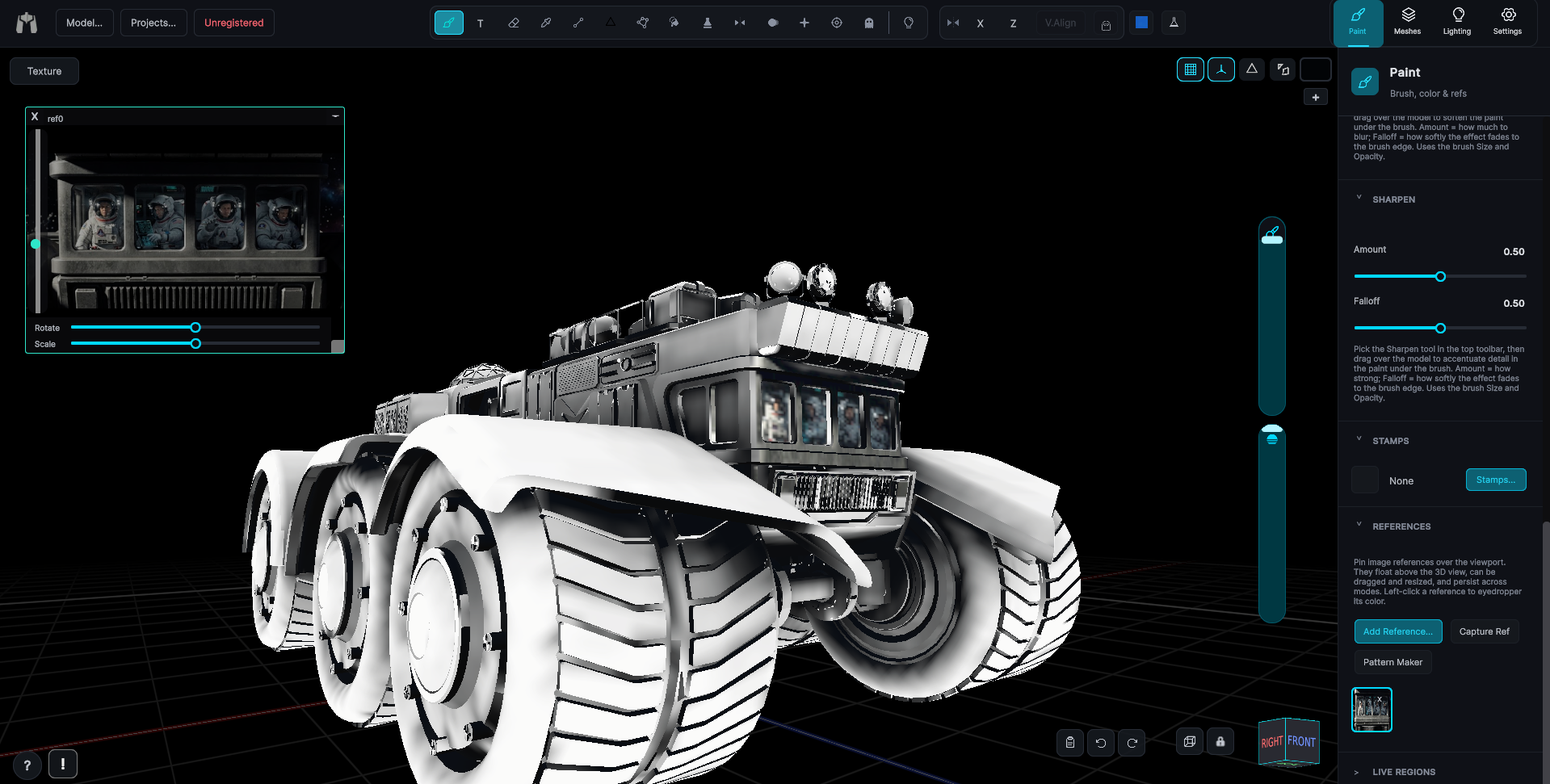
Flat-lit models read as cheap. MechaPaint bakes ambient occlusion and scene lighting directly into the texture in one pass, so the model looks grounded and solid even in an engine or viewer with no lighting of its own. Bake it, then paint on top of it.
Ambient occlusion
Contact shadows in every crease, seam, and recess, computed from the mesh itself and written straight to the texture. The single fastest way to make a model stop looking like a toy.
Lighting
Set your key and ambient lights the way you want the model read, then bake that lighting into the map. Perfect for platforms like Roblox and Polytoria where the texture is doing all the work.
Then keep painting
Bakes land on their own layer, with their own opacity. Dial them back, paint over them, or throw them away. Nothing is welded to your base texture until you say so.
Build a pattern once. Wrap it around anything.
A dedicated pattern builder lets you dial in tiling, rotation, and scale, then project that pattern onto the model in world space, so it wraps the surface seamlessly no matter how the UVs were cut. The patterns you make are ordinary image files, so they're just as useful outside MechaPaint as in it.
Design the tile
Build a repeating pattern from a stamp or image, with control over rotation, scale, and how it follows your stroke. Preview it live before a single dab lands.
Project it in 3D
Triplanar and cylindrical fills lay the pattern down in world space. Wood grain, plating, or fabric rings the object with no wrap seam, even on a scan with confetti UVs. A seamless wrap over UVs that bad might be an industry first! Of course, that only matters because it means you never re-unwrap a scan just to put wood grain on it.
Fill or brush it on
Drop the pattern into a whole region with the bucket in one click, or brush it exactly where you want it. Two-color gradients and saveable swatches keep repeat work fast.
More of MechaPaint