50% OFF Launch sale, MechaPaint is half off until full PBR support ships, a few more days.
Click to join in!Come hang out with us and talk about the future of art as we know it!

MechaPaint / UV Repair & Diagnostics

UV REPAIR & DIAGNOSTICS

Bring us your worst UVs

Most texture painters assume a clean, hand-unwrapped model. Real production assets are rarely that polite. MechaPaint handles UV problems instead of complaining about them.

UV REPAIR & DIAGNOSTICS

Bring us your worst UVs

Most texture painters assume a clean, hand-unwrapped model. Real production assets are rarely that polite. MechaPaint handles UV problems instead of complaining about them, and when a model has no usable UVs at all, it will make you some.

Rebuild bad UVs in one step

Rebuild bad UVs in one step

Stuck with a messy or unusable map? Run a single conversion: MechaPaint reads the existing textures, generates a cleaner UV layout, and remaps those textures onto it automatically. Same model, same look, a far better map underneath. No manual re-unwrapping, no re-baking.

Transfer a texture onto a better map

Transfer a texture onto a better map

Already unwrapped the model properly somewhere else? Point MechaPaint at the old textured version and the new one, and it bakes the original artwork onto the improved UVs. You keep the art and gain the layout.

Paint models with no UVs at all

Paint models with no UVs at all

A pile of sub-meshes with nothing but geometry? Merge them into one shared atlas and generate fresh UVs in a single pass, then paint the whole thing as one object. Nothing is off limits just because the modeler skipped a step.

Mesh Diagnostics

Mesh Diagnostics

When an engine or another app throws a vague error and gives up, run Mesh Diagnostics. It inspects the mesh and its UVs, reports what's actually wrong in plain language, and points you at the fix. Finally, an answer instead of a complaint.

Paint across seams, invisibly

Paint across seams, invisibly

Strokes that cross UV island boundaries are dilated past the seam edge automatically, so there's no hairline gap where islands meet, even on aggressively packed maps. The stroke and its dilation are treated as one thing throughout.

See exactly what you're working with

See exactly what you're working with

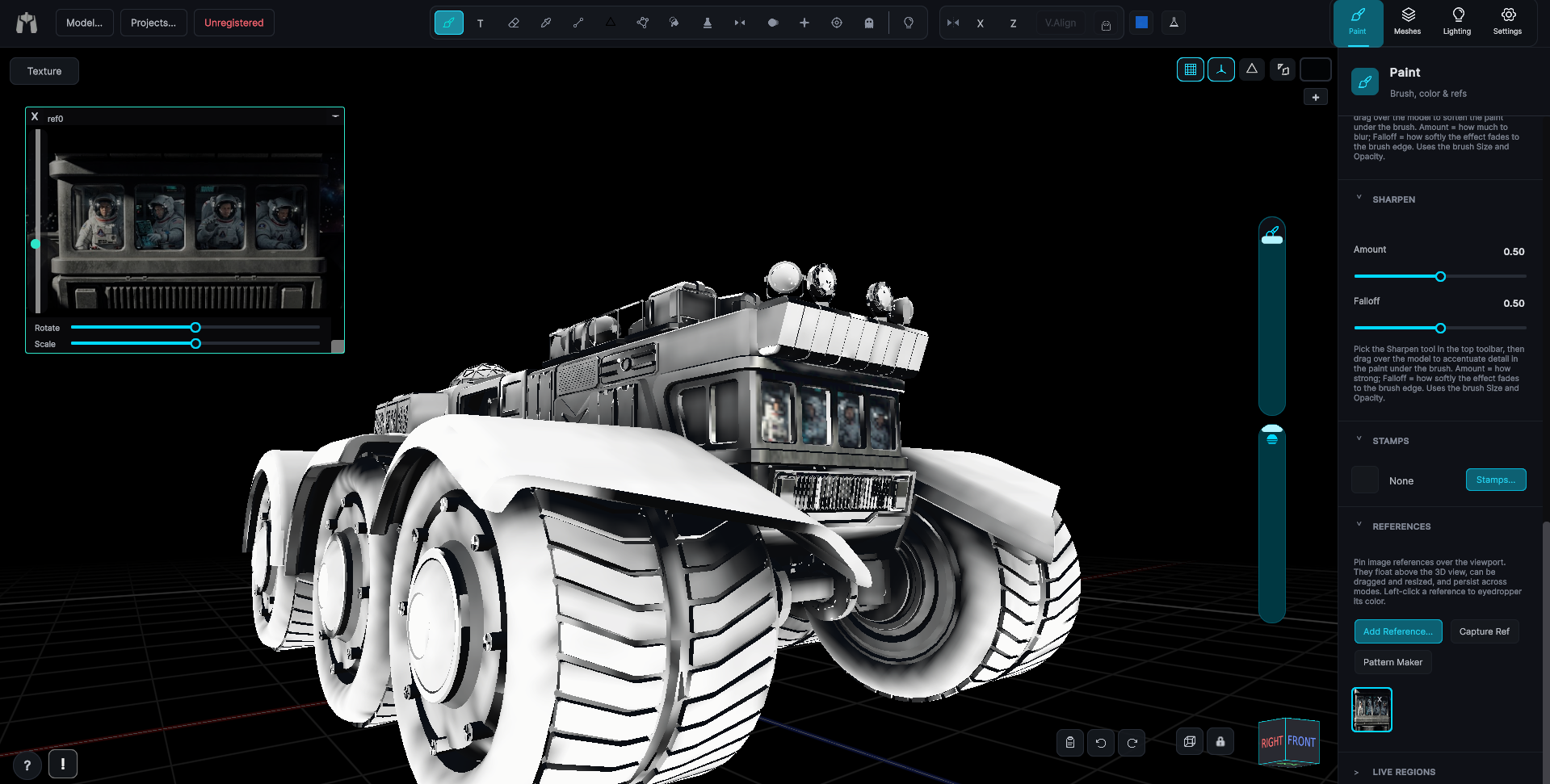
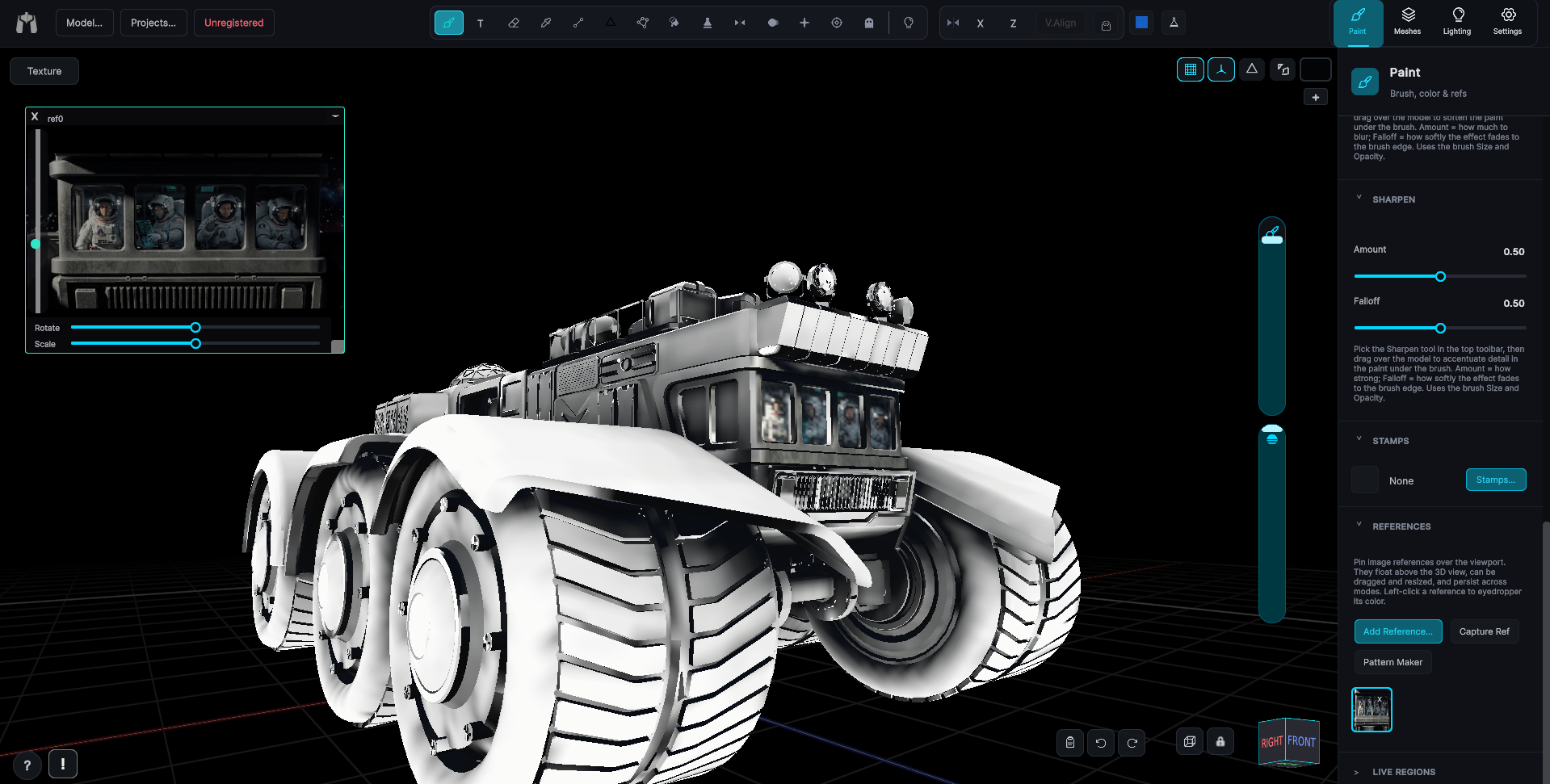
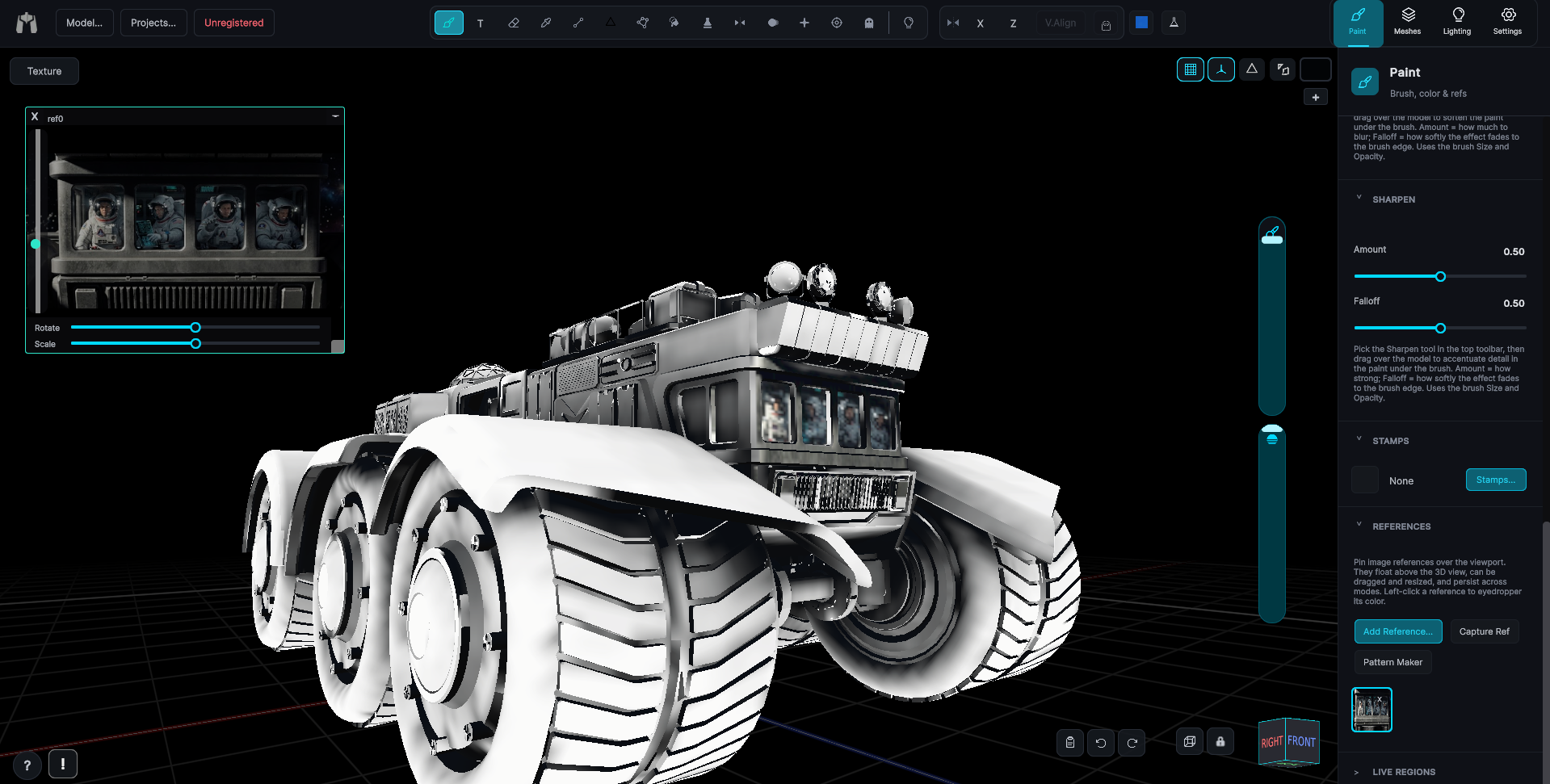
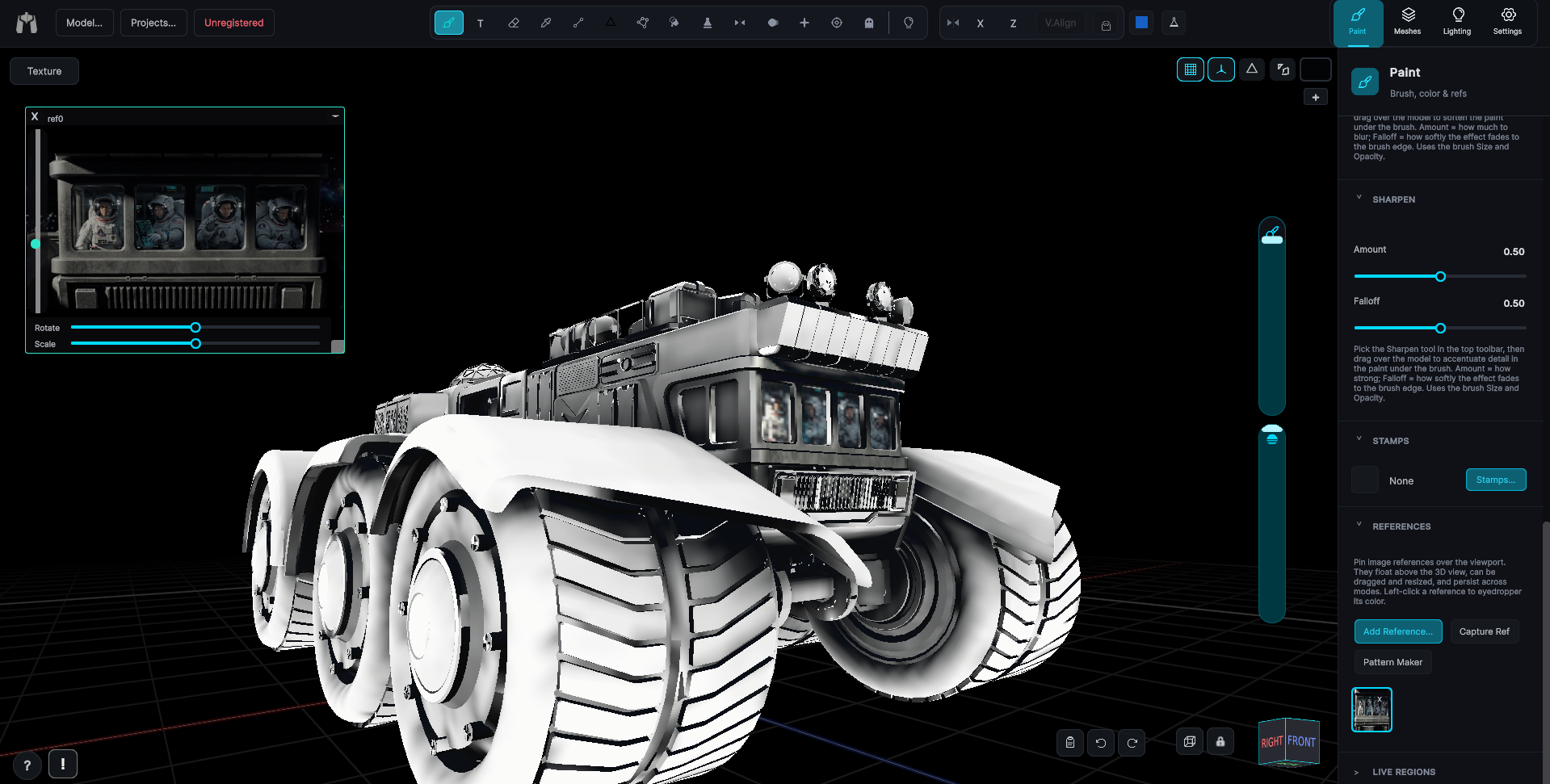
Toggle the UV island overlay to trace true seam boundaries on the model, flip on wireframe, or open the live UV panel to watch strokes land on the map in real time. No guessing where the cuts are.

If it has UVs, you can paint it. If the UVs are terrible, MechaPaint will give you better ones. If there are no UVs, it will make them.

KEEP LOOKING

More of MechaPaint