50% OFF Launch sale, MechaPaint is half off until full PBR support ships, a few more days.
Click to join in!Come hang out with us and talk about the future of art as we know it!
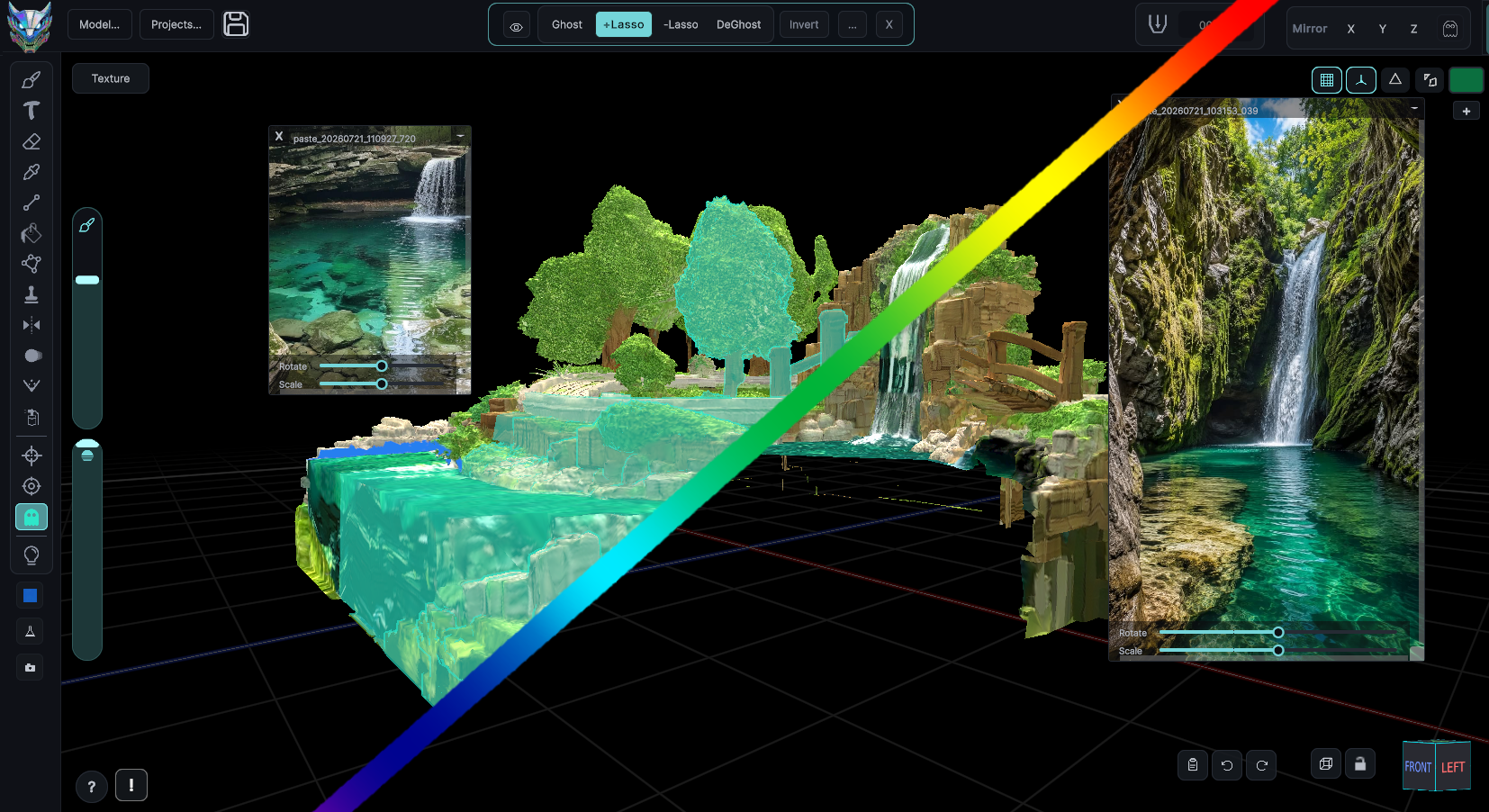
A blacklight style 3D scene painted in MechaPaint Tiled 3D wall surfaces built in MechaPaint A waterfall scene painted from photo reference in MechaPaint A 3D relief created from flat artwork in MechaPaint

Paint 3D models like you would IRL

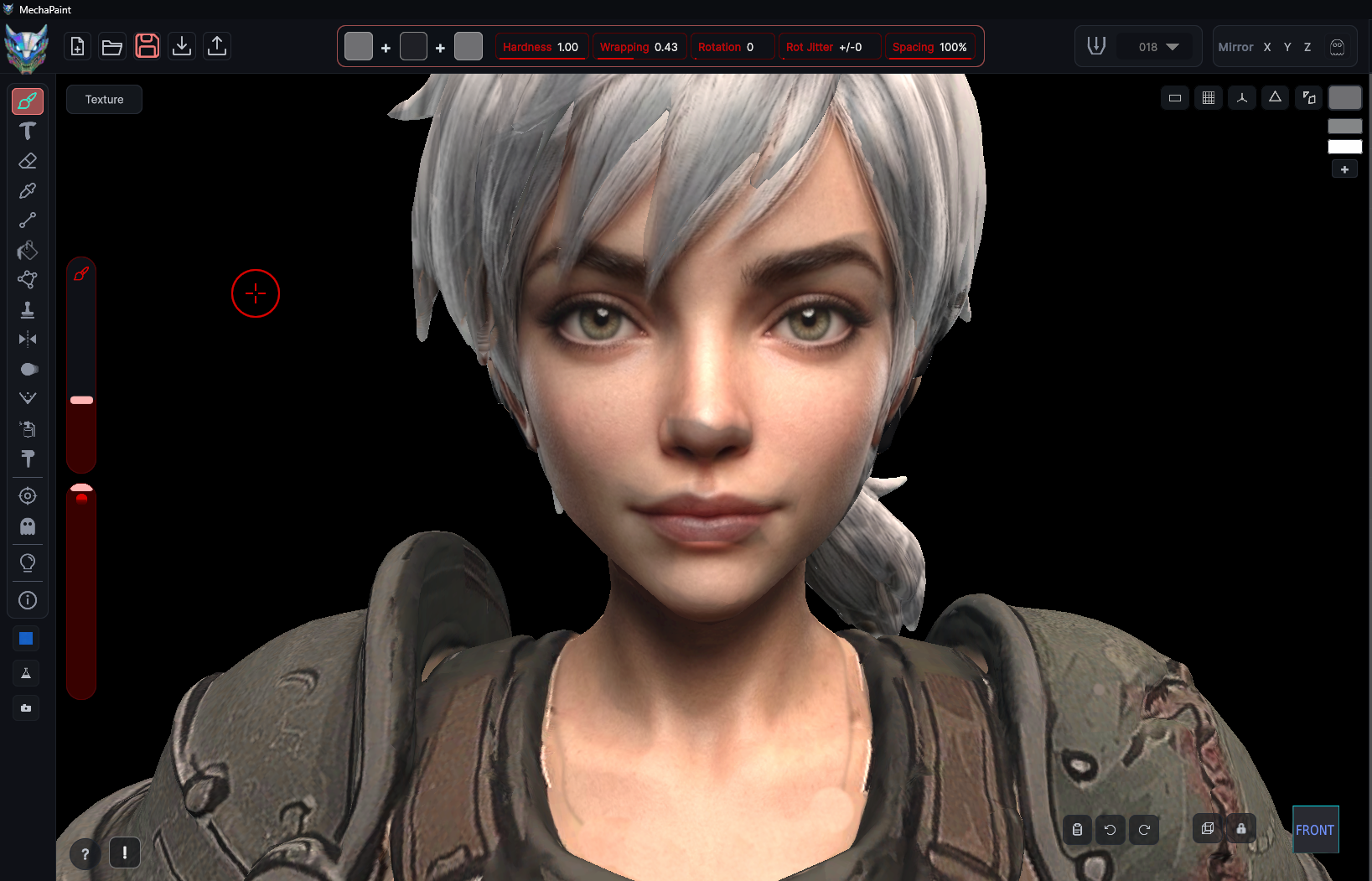
MechaPaint is a new way to paint and texture 3D models. Let the app handle the details. You just paint! It was built by game industry veterans who wanted a more direct way to texture and paint 3D models and environments. Import, Paint, Export. Nothing complicated. Everything it does is aimed at one thing, making your 3D models look like you want them to look.

A new 3D art tool, made by human artists, for human artists

What You Can Do With MechaPaint

196 tools and modifiers, 11 supported file formats

Turn Any Photo Into A Model
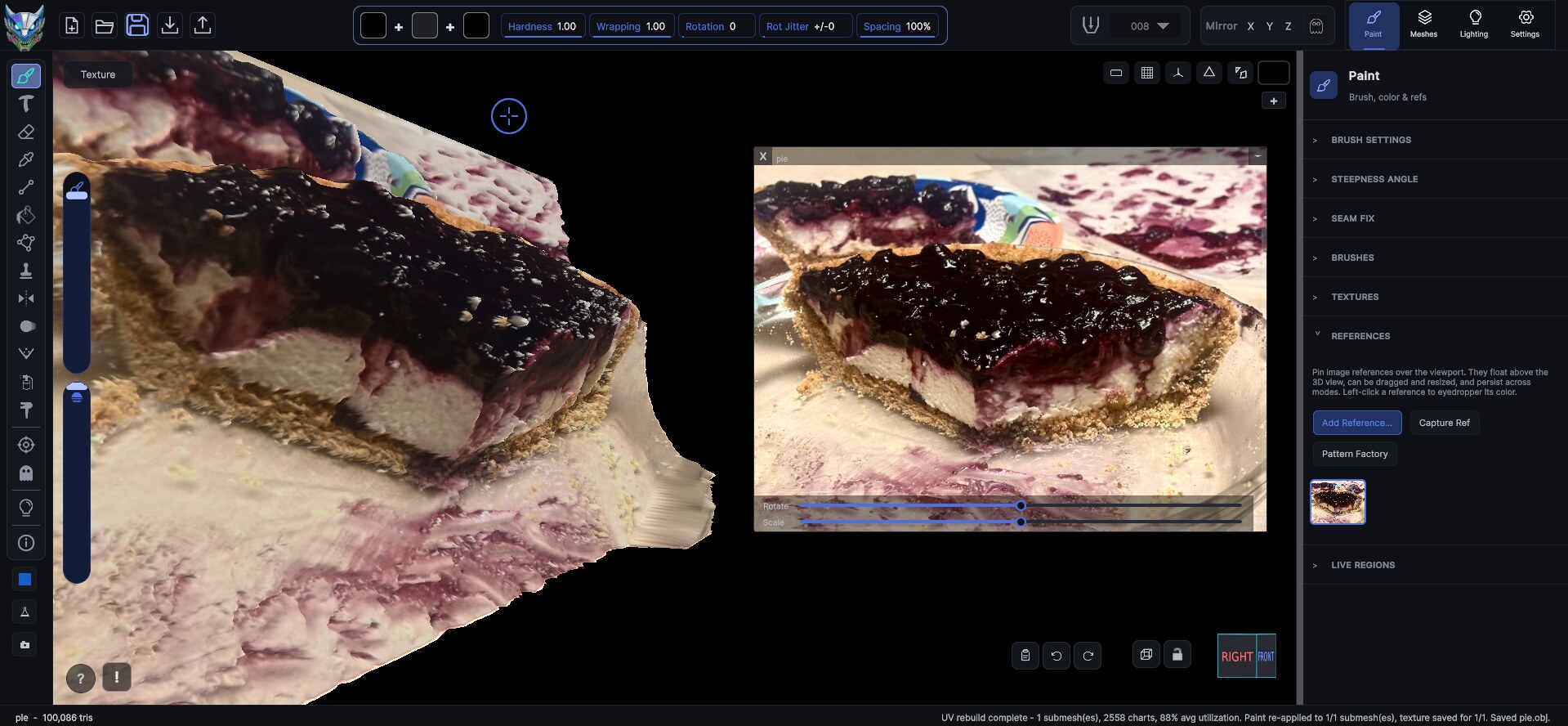
Turn Any Photo Into A Model MechaPaint's PhotoMesh converts any flat image into a textured 3D asset.
Create Stunning 3D Reliefs From Any Photo
Create Stunning 3D Reliefs From Any Photo Push a single image into real depth and get a sculpted, paintable surface.
Painting and Interface
Painting & Interface Layers, brushes, symmetry, and painting directly on animated models, mid-motion.
MechaPaint Discord server
Join The MechaPaint Discord Come hang out with us and talk about the future of art as we know it!
Build Repeating 3D Surfaces
Build Repeating 3D Surfaces Tiled, repeating backgrounds with real 3D geometry, for walls and interiors.
Make Meshy Less Messy
Make Meshy Less Messy Clean up smeared, blurry, and mismatched AI textures without starting over.
Make Tripo Less Trippy
Make Tripo Less Trippy Repaint faces, fix warped details, and swap in high res imagery.
Fix Panoramas And Skyboxes
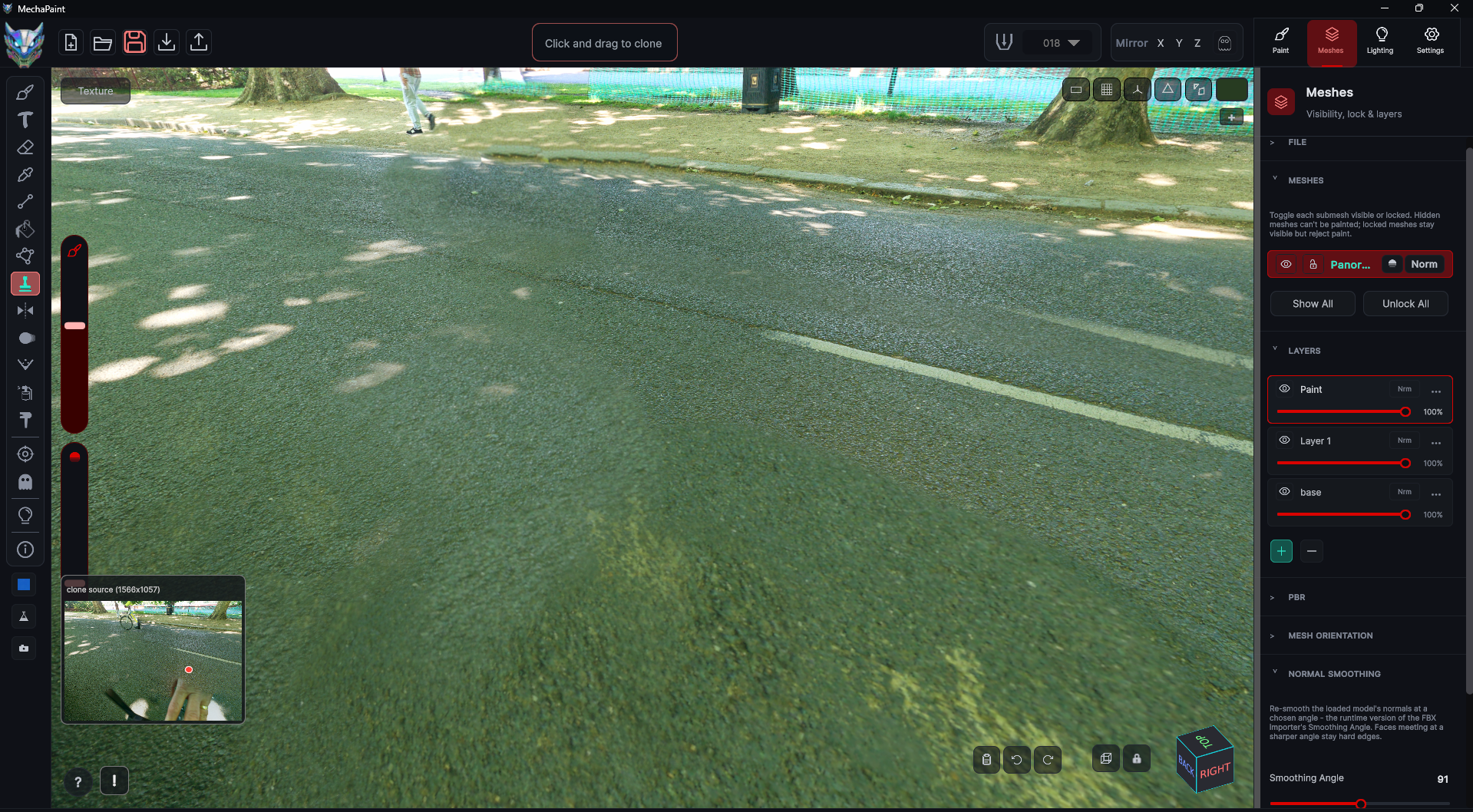
Fix Panoramas And Skyboxes Kill the seams, stretching, and pinched poles that ruin a wraparound image.
Make More Looks, Faster
Make More Looks, Faster Turn one painted asset into a whole set of variations in minutes.
Paint With Photos
Paint With Photos Your references become source material in a click.
Color Match Magic
Color Match Magic Pick a target color and MechaPaint reshapes the layer around it.
Supernatural Tools
Supernatural Tools Ghost out any part of any mesh and paint what was hidden behind it.
Roblox Ready
Roblox Ready Clothing and assets from templates that fit how Roblox creators work.
Paint In Motion
Paint In Motion Paint on an animated model and watch the texture behave while it moves.
Transfer and Retouch
Transfer & Retouch Faces, skins, logos, and clothing onto existing models, plus dedicated Roblox and Polytoria tools.
UV Repair and Diagnostics
UV Repair & Diagnostics Rebuild broken maps, paint models with no UVs, and find out what is actually wrong.
Baking and Patterns
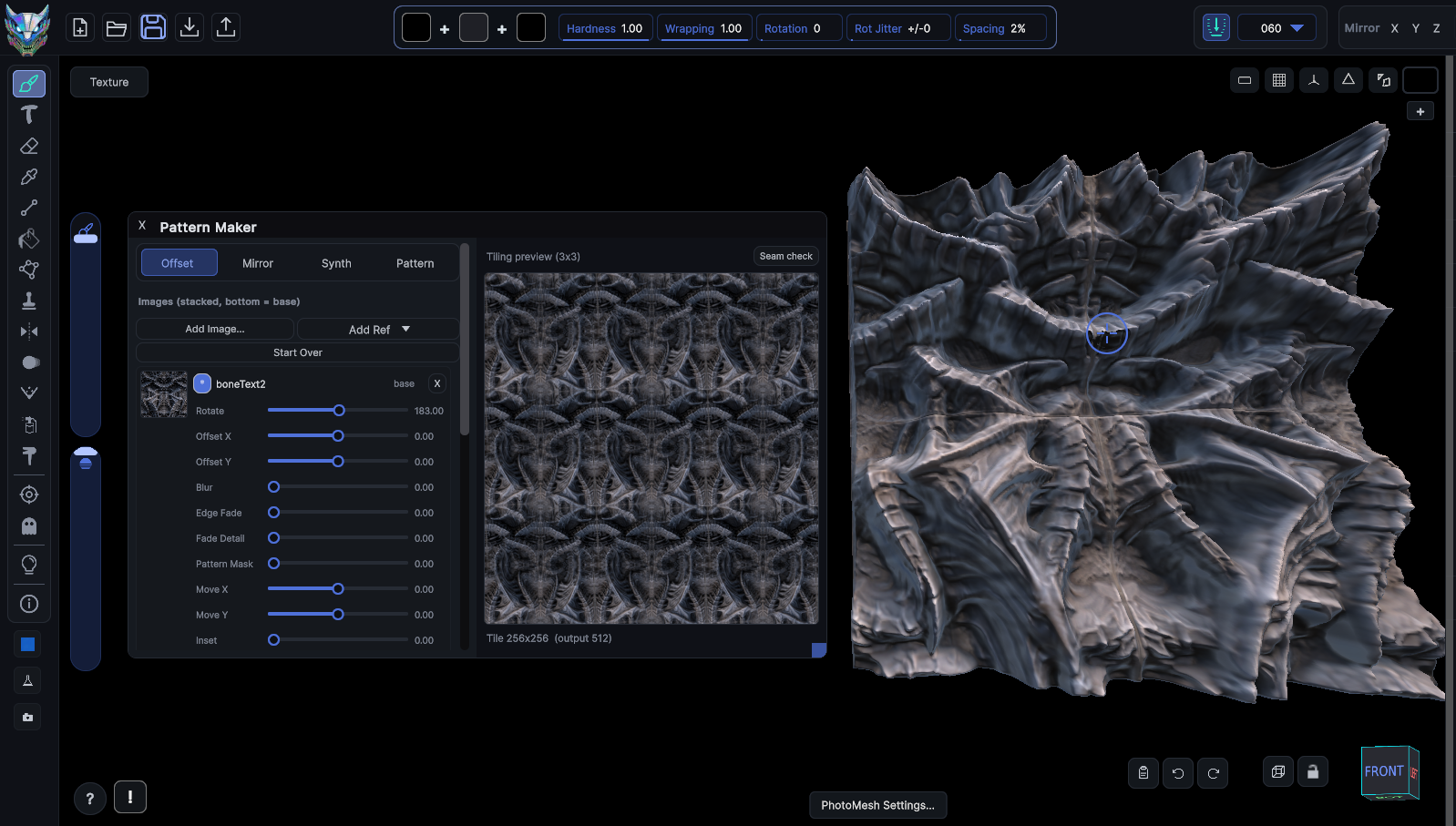
Baking & Patterns Ambient occlusion and lighting baked into the texture, plus a full pattern builder.
Formats and Specs
Formats & Specs Every format in and out, the full specs, and where PBR support stands.
PhotoMesh Instructions
PhotoMesh Instructions The whole workflow in five steps, from the button you click to the finished model in Blender.
Paint in 3Don the model, not a flat map you have to decode
Made by artistsevery decision made by people who use it daily
Non-destructiveyour source files are never modified, ever
PIPELINE

Three steps between "ugh, this asset" and "done"

There is no project setup, no material graph to wire, no baking rig to configure before you can lay down a stroke. Drop a model in and start painting.

01

Import

Drag a model onto the window, or paste one. Existing textures load onto the base layer, every material slot becomes an independently paintable submesh, and nothing on disk is touched.

02

Paint in 3D

Work on the surface, not the flat map. Strokes land where you put them, across seams, across islands, across submesh boundaries. The UV bookkeeping is MechaPaint's problem, not yours.

03

Export

Write PNGs per submesh, merged or as separate layer files, at whatever resolution you need. Drop them straight back into Unity, Unreal, Godot, or any 3D software.

WORKS WITH YOUR TOOLS

Whatever you build in, you're covered

Model in Blender, build in Unity, generate in Meshy, or design Polytoria clothing. Pick your tool for a guide to the round trip, with tips written for that pipeline specifically.

Roblox and Polytoria get dedicated, purpose-built tools: the official avatar bodies, template guides, and one-click upload-ready clothing export, so what you paint is what uploads. We are actively expanding both. See the avatar tools.

IN PRACTICE

Watch real assets get repainted