50% OFF Launch sale, MechaPaint is half off until full PBR support ships, a few more days.
Click to join in!Come hang out with us and talk about the future of art as we know it!

MechaPaint / Transfer & Retouch

TRANSFER & RETOUCH

Put your art on someone else's model

Most texture work is not texturing from scratch. It is taking a model that already exists and making it yours. This is the part of MechaPaint built for that job.

TRANSFER & RETOUCH

Put your art on someone else's model

Most texture work isn't texturing from scratch. It's taking a model that already exists and making it yours: a different face, a different skin tone, a logo on the jacket, a color that actually matches the art direction. MechaPaint is built around that job, and it does it without disturbing the texture that's already there.

Faces, skin, and character detail

Faces, skin, and character detail

Project a face onto a head, match a skin tone across a body, or move an existing character's look onto a new mesh. Because you're painting on layers over the original, the base texture underneath stays intact and you can dial the result back at any time.
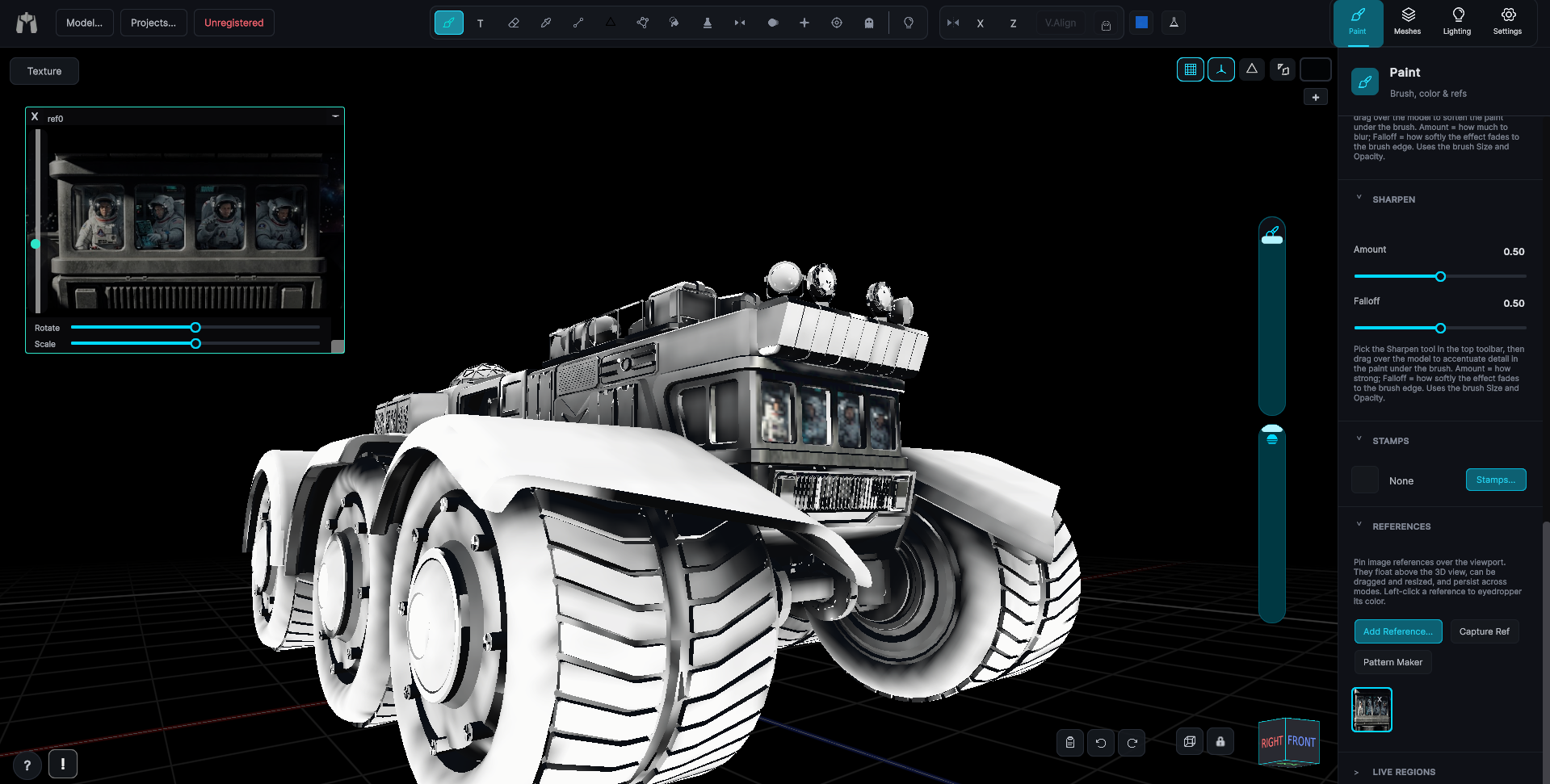
Logos, decals, and accents

Logos, decals, and accents

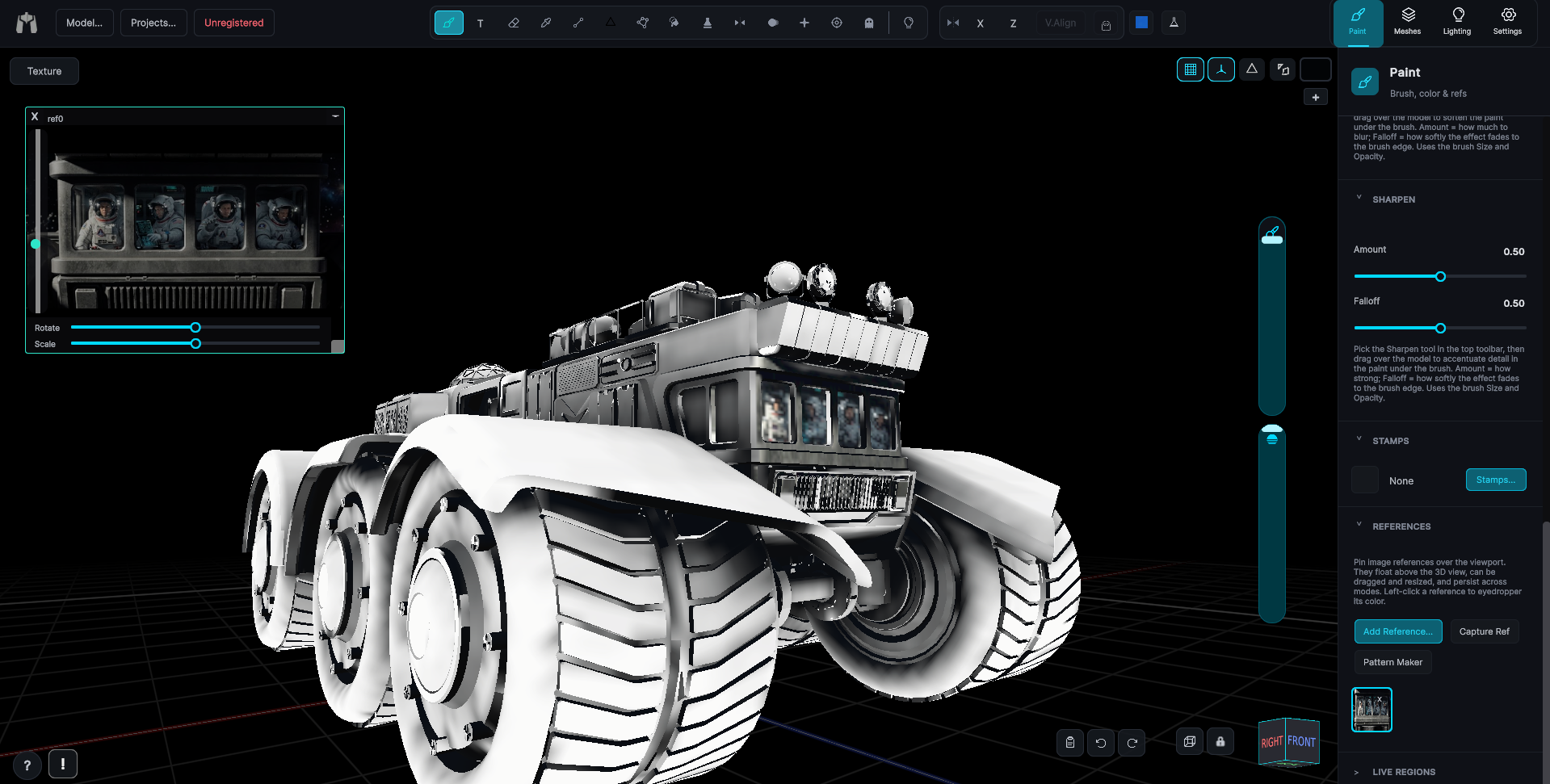
Drop a logo onto a curved shoulder pad, run a stripe down a fuselage, add wear where it belongs. Projection painting and image stamps put flat artwork onto 3D surfaces without the distortion you'd get pasting into the UV map by hand.

Recolor and retexture clothing

Recolor and retexture clothing

Change a shirt from red to navy, swap a fabric for a pattern, or restyle an entire outfit, keeping every fold, seam, and shadow the original artist painted. Layer color adjustment does the recolor; pattern fills do the retexture.

Retouching, not rebuilding

Retouching, not rebuilding

Patch a smeared spot, clone good detail from one part of the mesh to another in 3D, symmetrize a clean side over a damaged one. The kind of small surgical fixes that used to mean a full re-unwrap now take a minute.

Nothing you didn't ask for

Nothing you didn't ask for

Your edits live on their own layers above the imported texture. Hide them, reorder them, export them separately, or merge them down. The file on disk is never modified, so the original is always right there underneath.

Batch a look across a cast

Batch a look across a cast

Saveable swatches, reusable stamps, and a texture library mean the palette you established on the first character is one click away on the twelfth. Consistency stops being a discipline problem.

ROBLOX & POLYTORIA

Dedicated tools, not a workaround

If you make avatar items, MechaPaint has real, purpose-built support for your platform, not a generic 3D painter you have to trick into cooperating. The official avatar bodies are built in, the template layouts are understood, and export produces a file the site will actually accept. This is an area we are actively expanding, so it keeps getting better.

The avatar is already here

The avatar is already here

Load the official Roblox or Polytoria body with one click and paint on the character itself. No hunting for a reference mesh, no rigging it yourself, no guessing whether your model matches what the platform uses.

Paint the body, not the template

Paint the body, not the template

Classic clothing templates are a puzzle of disconnected rectangles that only make sense once they are on a person. Paint on the actual 3D body instead and let MechaPaint work out which rectangle each stroke belongs in.

Upload-ready export

Upload-ready export

One click writes a correctly laid-out template PNG, sized and positioned the way the platform expects. Straight from MechaPaint to the upload page, with no repositioning in another editor first.

No more seam lines

No more seam lines

The visible seams that give away a rushed UGC item come from painting across template boundaries by hand. Painting in 3D removes the boundary from the problem, so stripes, logos, and patterns run cleanly around a limb.

Variants without repainting

Variants without repainting

Once a design works, recolor it, drop a different pattern into the same shapes, or swap a logo, and export again. A whole colorway line comes out of one afternoon of painting.

Real art tools behind it

Real art tools behind it

Everything else in MechaPaint applies here too: layers, pressure-sensitive brushes, pattern fills, baked shading for depth, and painting on the avatar mid-animation to check how a design holds up when the character moves.

ASSET RESCUE

Rough mesh in. Finished asset out.

Because you paint the surface instead of the map, mesh quality stops being a texturing problem. These are the assets MechaPaint was built to save:

Marketplace purchases

That cheap asset-store model with the muddy texture and mystery UVs? Repaint it to match your art direction in an afternoon, without ever opening its UV layout.

Photogrammetry & scans

Auto-unwrapped scan UVs are unreadable by design. Paint the surface directly, use pattern fills for materials, patch artifacts with the 3D clone stamp, and rebuild a usable map when you're done.

Legacy and outsourced assets

Ten-year-old meshes, inconsistent outsourced batches, models whose source files are long gone. If it imports, you can restore it: symmetrize a good side over a bad one, clone details across the surface, rebuild the texture layer by layer.

Kitbashed geometry

Assemblies glued together from six sources with six different texel densities. Paint the whole thing as one object; per-submesh layers and exports keep the output tidy even when the input wasn't.

KEEP LOOKING

More of MechaPaint